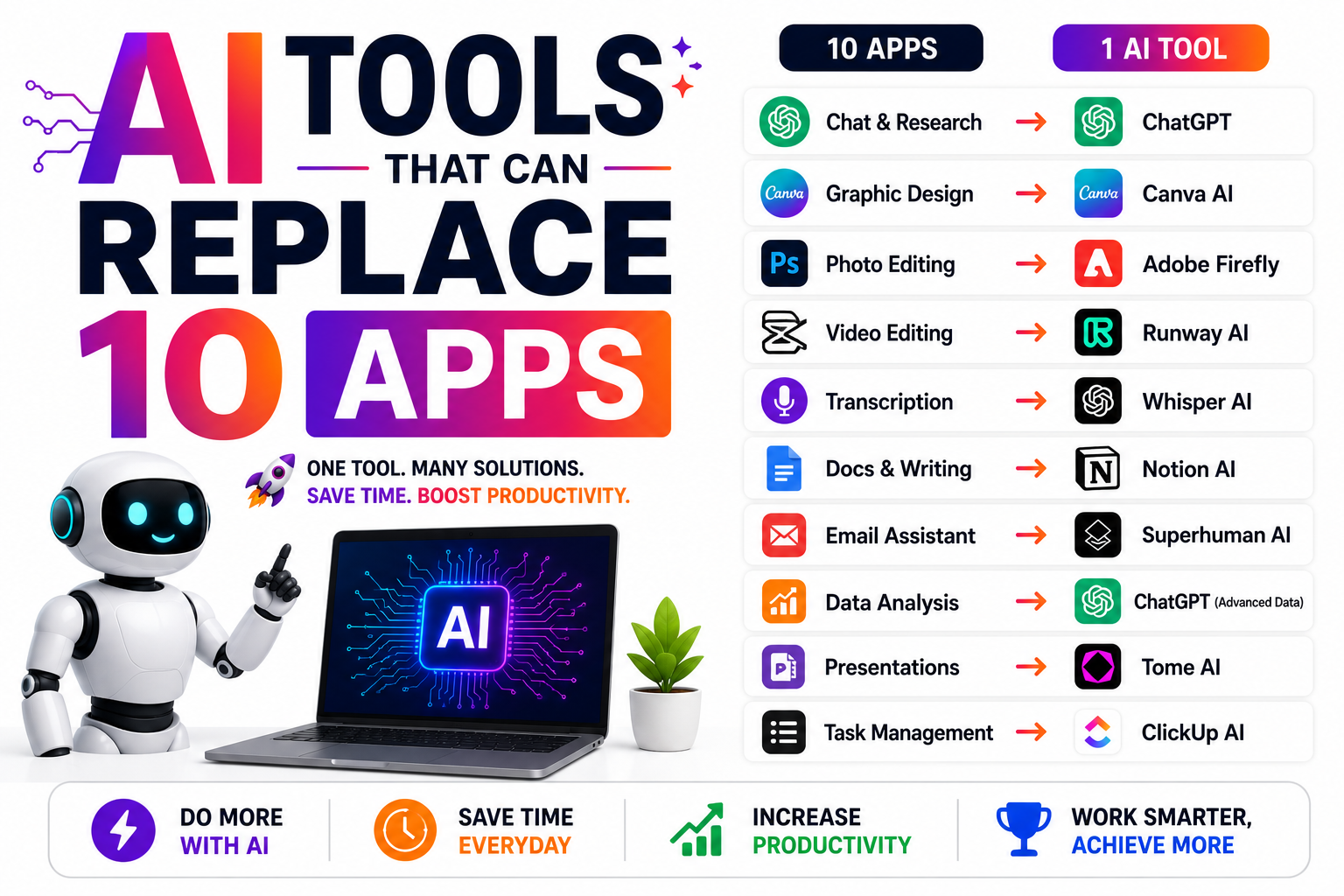
Discover powerful AI tools that can replace 10 or more apps in your workflow. Learn how all-in-one AI platforms help you write content, generate images, edit videos, automate tasks, create presentations, and boost productivity while saving time and money in 2026.
AI Tools That Can Replace 10 Apps
Most of us have a phone full of single-purpose apps — one for grammar, one for captions, one for translation, one for notes. But a single capable AI assistant now handles a surprising amount of what many of them do. Used well, AI can seriously declutter your toolkit.
One honest note up front: “replace” usually means “handle the everyday case.” For heavy, specialised work, dedicated apps still win. Think of this as a way to cut clutter for common tasks — not a promise that one tool does everything perfectly. Here are 10 apps AI can replace or reduce your need for.
1. A grammar & writing checker. AI catches errors, tightens sentences, and adjusts tone — the core job of most writing-checker apps.
2. A caption & copywriting tool. Ask for hooks, captions, and ad copy on demand — no separate subscription needed.
3. A brainstorming / idea app. AI generates endless ideas, angles, and titles for any topic in seconds.
4. A summariser & note tool. Paste long text or notes and get clean summaries, bullet points, or action items.
5. A translation app. AI translates text and adapts tone for context — handy for everyday, non-critical translation.
6. A basic design / text-to-image tool. Generate simple graphics and images from a prompt — enough for many quick social needs.
7. A spreadsheet formula helper. Describe what you want and AI writes the formula — no more hunting through help forums.
8. A research & quick-answers tool. AI explains concepts, compares options, and answers questions fast (just verify anything important).
9. An email & message drafter. Draft replies, outreach, and templates in your chosen tone in seconds.
10. A planner / content-calendar tool. Ask AI to build a content plan or schedule outline you can drop into any calendar.
The pattern: Most single-purpose apps do one narrow thing. A good AI assistant does the common version of many of them — from one place.
What AI can’t fully replace (yet)
Be realistic about the limits. Heavy video and photo editing, complex multi-layer design, precise brand work, and professional-grade production still belong to dedicated tools. Anything needing guaranteed accuracy — legal, medical, financial, or official translation — should be double-checked by an expert or a specialised tool, not trusted blindly. And for tasks where a specific app’s workflow saves you real time, keep it.
The smart move isn’t deleting every app — it’s cutting the ones you barely use because AI now covers that occasional need. Keep the specialists you rely on; drop the clutter you don’t.
How to consolidate smartly
Go through your apps and ask a simple question of each: “Could a good AI assistant do this well enough for how I actually use it?” If yes, and you only use the app occasionally, you probably don’t need it. Route those tasks through AI instead. You’ll save on subscriptions, reduce app clutter, and get faster at prompting — a skill that keeps paying off.
Frequently asked questions
One good assistant covers the everyday version of many of them. For specialised, heavy work, dedicated apps are still better — it’s about reducing clutter, not perfection.
For casual tasks, usually yes. For anything important — facts, numbers, legal or medical content — always verify. Treat AI as a fast first draft.
Often — replacing several small subscriptions with one AI tool can cut costs, as long as you actually stop paying for the ones you no longer use.
Keep the specialists you use often and rely on — heavy editors, design suites, and anything where accuracy is critical. Drop the occasional-use clutter.
One link instead of ten
Just like AI replaces a pile of apps, one clean link page replaces a scattered pile of links — all your products and offers in one place. Start free on Linqin.in.
