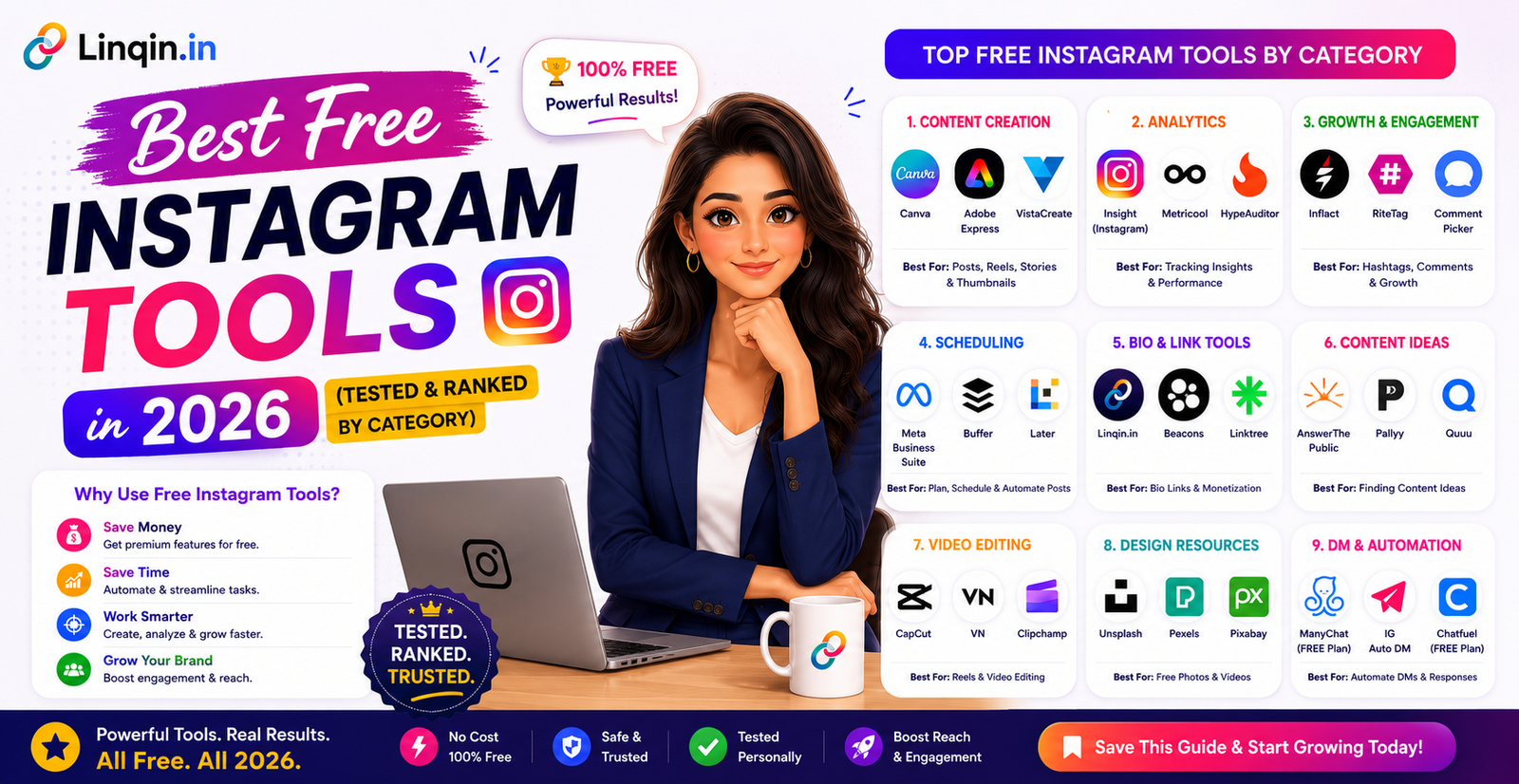
The best completely free Instagram tools in 2026 — ranked by category. Bio link, video editing, design, scheduling, analytics, and AI tools. Zero budget required
Best Free Instagram
Tools in 2026
You don't need a big budget to grow on Instagram. These are the best completely free tools — for design, video editing, scheduling, analytics, automation, and monetization — tested and ranked for creators who want maximum results with zero spend.
Growing on Instagram in 2026 doesn't require expensive software subscriptions. The best creators — the ones consistently hitting 10K, 50K, and 100K followers — are often running their entire operation on free tools. What separates them isn't budget. It's knowing which free tools actually work.
We tested over 30 tools across every major creator category and picked the best free option in each one. Every tool on this list has a genuinely useful free plan — not a watered-down trial that pushes you to upgrade in 3 days.
Every tool was evaluated on: free plan quality (not just a trial), ease of setup, direct impact on Instagram growth or income, and reliability. Tools that require a credit card to start were excluded from the free tier listings.
🔗 Category 1 Bio Link & Monetization
Your Instagram bio link is the most valuable piece of real estate on your profile. These free tools turn it from a dead end into a conversion machine.
Linqin.in is the most feature-rich free bio link tool available — and the only one that replaces 5 separate paid tools in a single free account. The free plan includes a bio link page, digital product shop with payment processing, lead capture popup, CRM, analytics dashboard, AI bio generator, QR code, and a built-in SEO blog. No other free bio link tool comes close to this feature set.
Linktree's free plan gives you unlimited links, basic analytics, and a clean profile page. It's the most recognised name in bio links globally and works reliably for basic use cases. However, the free plan lacks product selling, lead capture, analytics depth, and any automation features. Good starter option if you just need a simple link list.
🎨 Category 2 Content Design
Every post, story, Reel cover, and lead magnet PDF starts with a design tool. These free options cover every creator's design needs.
Canva's free plan is one of the most generous in SaaS — thousands of templates for Instagram posts, stories, Reels covers, carousels, YouTube thumbnails, and PDF lead magnets. The brand kit (save your fonts and colors) and basic drag-and-drop editor are available free. Essential for every creator regardless of design skill level.
Adobe Express (formerly Spark) is a strong Canva alternative with a cleaner interface and tighter Adobe Creative Cloud integration. The free plan includes templates, basic editing, and social media exports. Best for creators already in the Adobe ecosystem who want consistent brand assets.
🎬 Category 3 Video Editing for Reels
Short-form video is the #1 growth driver on Instagram in 2026. These free mobile editors give you everything you need to create professional Reels.
CapCut is the world's most popular free Reels editor — used by millions of creators globally. Auto-captions in multiple languages, trending transition templates, beat sync, AI effects, background removal, and a massive royalty-free sound library are all free. The desktop version is also available for more advanced editing.
InShot is a solid free mobile video editor known for its simplicity. Great for trimming, adding music, text overlays, and basic transitions. The free version has a watermark and limited filters — upgrade to Pro ($3.99/mo) to remove the watermark. Good alternative to CapCut for creators who prefer a simpler interface.
📅 Category 4 Content Scheduling
Consistency is the #1 growth factor on Instagram. These free tools let you batch-schedule your content so your account stays active without being online 24/7.
Buffer's free plan supports 3 social channels with 10 scheduled posts each — enough to maintain consistent posting across Instagram, LinkedIn, and X or Facebook. The interface is the cleanest of all scheduling tools and suggests optimal posting times based on your audience. Perfect for creators who want a simple, reliable scheduling solution.
Meta Business Suite is completely free and lets you schedule Instagram posts, carousels, Stories, and Reels directly — no third-party tool needed. Since it's native to Meta, there are no API limitations. Best free scheduling tool for creators who only need Instagram and Facebook scheduling.
📊 Category 5 Analytics & Insights
Growing without analytics is guesswork. These free tools show you exactly what's working — so you can double down on it.
Available free on any Instagram Creator or Business account, Insights gives you post reach, impressions, profile visits, follower demographics (age, location, active hours), and per-post and per-Reel performance. This is the most accurate Instagram analytics tool available — it's data straight from Instagram itself. Switch your account to Creator or Business (both free) to unlock it.
While Instagram Insights covers your content performance, Linqin's analytics covers what happens after the bio link click — page views, which buttons visitors tap, how many leads are captured, and product revenue. Together, these two free tools give you complete end-to-end visibility from content to conversion.
🤖 Category 6 AI & Writing Tools
AI tools have made content creation dramatically faster. These free options help with captions, bio writing, hashtags, and content ideas.
Linqin's built-in AI generator creates keyword-optimised Instagram bios, compelling CTAs, and product descriptions in seconds — all free. Enter your niche and target audience, get 3 bio options instantly. This is the fastest way to write a professional, SEO-optimised Instagram bio that actually converts profile visitors into followers and buyers.
ChatGPT's free tier (GPT-4o mini access) is genuinely useful for Instagram creators — write caption variations, brainstorm content ideas, generate hashtag lists, draft email sequences, and repurpose blog posts into social content. Needs good prompting to get quality Instagram-specific outputs but becomes extremely powerful once you master it.
📋 SummaryAll Tools at a Glance
| Tool | Category | Free Plan Limit | Best For | Score |
|---|---|---|---|---|
| Linqin.in ⭐ | Bio + Shop + CRM | Forever free | Monetization + leads | 9.6/10 |
| CapCut ⭐ | Video Editing | Mostly free | Reels editing | 9.3/10 |
| Instagram Insights ⭐ | Analytics | Fully free | Content performance | 9.0/10 |
| Meta Business Suite | Scheduling | Fully free | Native scheduling | 8.0/10 |
| Canva | Design | Most features free | All visual content | 8.5/10 |
| Linqin AI | AI Writing | Free in Linqin | Bio + CTAs | 8.8/10 |
| ChatGPT | AI Writing | Limited messages | Captions + ideas | 8.2/10 |
| Buffer | Scheduling | 3 channels | Multi-platform sched. | 7.6/10 |
| Mailchimp | 500 subscribers | Email list building | 8.2/10 | |
| Notion | Planning | Fully free | Content planning | 9.0/10 |
The best creator tool stack isn't expensive. It's strategic. Five free tools used consistently beat fifteen paid tools used occasionally — every single time.Linqin Creator Insights · 2026
❓ FAQFrequently Asked Questions
Start with the best
free tool — Linqin.in
Bio page · Product shop · Lead capture · Analytics · AI tools — all in one free account.
