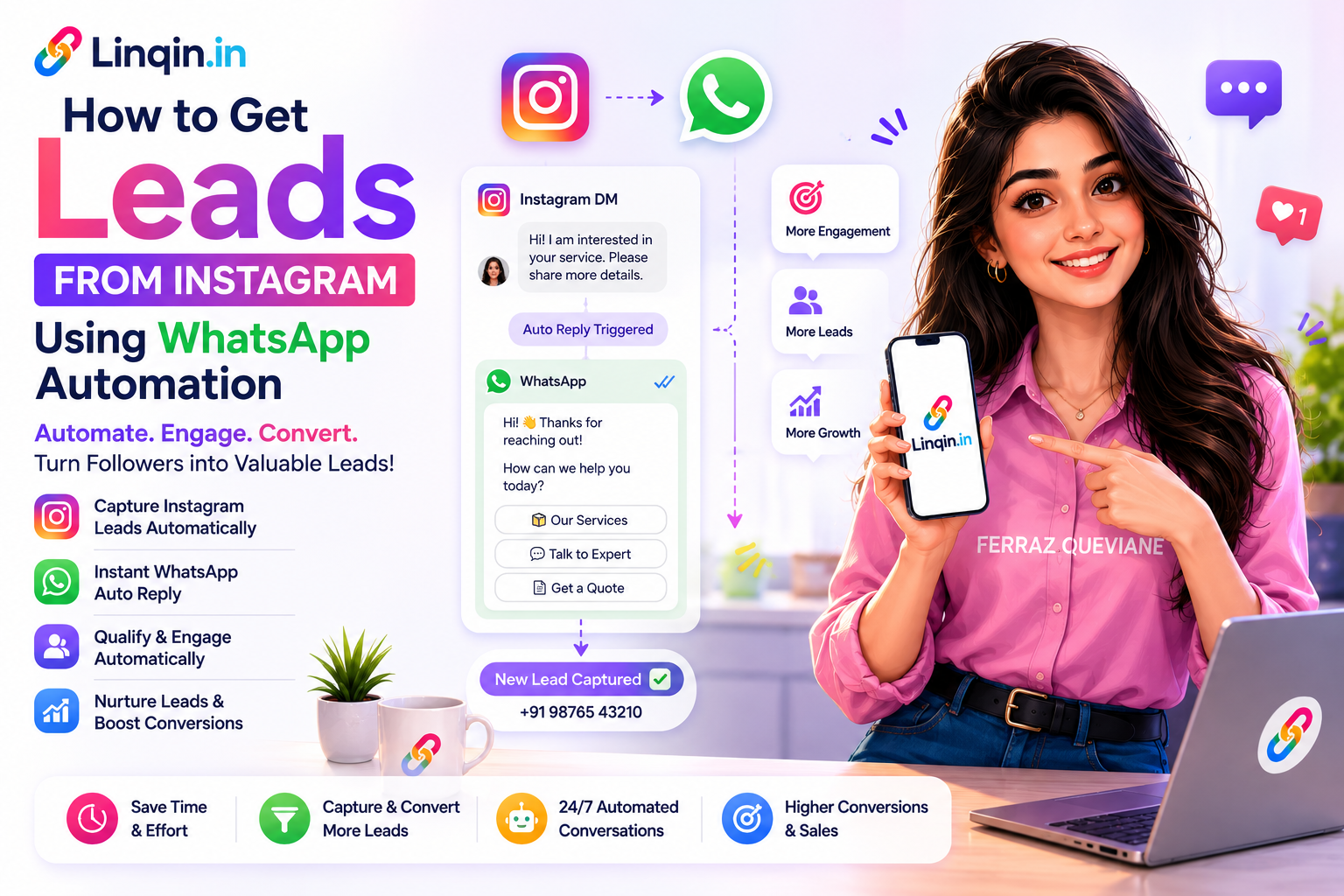
Learn how Indian creators are getting 50–200 WhatsApp leads per Instagram post using comment automation and lead funnels. Step-by-step setup on Linqin.in — free.
How to Get Leads from Instagram
Using WhatsApp Automation
The step-by-step playbook Indian creators and coaches are using in 2026 to turn Instagram followers into WhatsApp leads — automatically, 24/7, without hiring a team.
Every day, thousands of Indian creators post content on Instagram, watch their follower count grow — and wonder why their WhatsApp inbox is empty. The gap between audience and leads isn't a content problem. It's a systems problem. Most creators have no automated path from "someone sees my content" to "that person is now in my WhatsApp."
This guide fixes that. You'll learn how to build a complete Instagram → WhatsApp lead system using Linqin.in — so that every post you publish, every Reel that gets discovered, and every story viewer automatically has a path to become a qualified lead in your inbox.
Part OneWhy WhatsApp is the Best Lead Channel in India
Email open rates in India average 18%. WhatsApp message open rates average 98%. When a potential client reaches you via WhatsApp, you're not competing with a hundred other promotional emails in a crowded inbox — you have their full attention, in their personal messaging app, on a thread they'll definitely read.
For coaches, consultants, freelancers, and creators, WhatsApp is where buying decisions happen. It's where someone asks "what's your fee?", where you send a proposal, where they say yes. The challenge isn't convincing people to use WhatsApp — it's creating a systematic, automated path from Instagram content to WhatsApp conversation.
Email gets read when convenient. WhatsApp gets read immediately. If you want leads who actually respond — build for WhatsApp.
Linqin Creator Insights, 2026Part TwoThe Lead System — How It Works End to End
Before building anything, understand the full flow. Here's the journey from stranger to WhatsApp lead:
There's also a second, more powerful route — the comment automation path. Someone comments a keyword on your post → they instantly receive a DM → DM contains your WhatsApp link or a conversation that collects their number. This runs 24/7 without you touching your phone.
The bio link path captures people who are already highly interested (they clicked your profile). The comment automation path captures people at the moment of interest — right when they engage with your content. Both together create a complete lead capture system.
Part ThreeBuild Your WhatsApp Lead Funnel — Step by Step
Here's the exact setup using Linqin.in. Total time: under 30 minutes.
Create your free Linqin profile
Sign up at linqin.in/signup → claim your username → your landing page lives at linqin.in/yourname. Free forever, no credit card.
Add a WhatsApp button with a pre-filled message
Dashboard → Links → Add WhatsApp Button → enter your number. In the message field, add context so you know who's reaching out:
Enable the Lead Capture Popup
Dashboard → Funnels → Lead Capture → Enable. This auto-popup appears to new visitors on your Linqin page and collects their name, email, and phone number before redirecting to WhatsApp. Every lead is saved to your CRM dashboard automatically.
Update your Instagram bio link
Instagram → Edit Profile → Website → paste linqin.in/yourname. Your Instagram bio now feeds directly into your WhatsApp lead funnel.
Set up Instagram Comment Automation (the multiplier)
Dashboard → Instagram Automation → Connect Account → Create Automation. Set trigger: post comment contains LINK or FREE. Set action: send DM with your Linqin URL. Now every post can generate leads automatically.
Part FourThe Comment Automation Playbook
Comment automation is the single highest-leverage tactic for Instagram lead generation in 2026. Here's how to use it correctly — with examples that Indian creators are using right now to generate 50–200 leads per post.
The Formula
Real Examples by Niche
Fitness Coach
Caption: "I lost 12kg in 90 days with this exact workout plan. Want the free PDF? Comment PLAN below 👇"
Trigger word: PLAN → Auto DM: "Hey! Here's your free 90-day plan: [link] — and if you want me to personalise it for you, tap here to WhatsApp me directly."
Photography Creator
Caption: "My complete Lightroom preset pack — 47 presets for ₹299. Comment PRESET to get the link 📲"
Trigger word: PRESET → Auto DM: "Here's the link to buy my preset pack: [Linqin product link]. Takes 30 seconds to pay via UPI!"
Business Coach
Caption: "The exact strategy I used to scale my freelance income from ₹30K to ₹3L/month. Comment SCALE and I'll send you the framework."
Trigger word: SCALE → Auto DM with lead capture flow that collects their current income, goal, and WhatsApp number — saved directly to your CRM.
When you tell people to comment a keyword, your comment count spikes immediately. Instagram's algorithm reads high comment engagement as viral content and pushes it to more people. More reach → more comments → more leads. It's a self-amplifying loop that works especially well on Reels.
Part FiveLinqin vs Separate Tools — What You'd Pay Without It
| Feature | 🏆 Linqin Pro (₹499/mo) | Buying Separately | Separate Cost |
|---|---|---|---|
| Link-in-bio page | ✓ Included | Linktree Pro | ~₹420/mo |
| WhatsApp lead funnel | ✓ Included | Wati / Interakt | ₹2,499–₹4,999/mo |
| Instagram comment automation | ✓ Included | ManyChat Pro | ~₹1,260/mo |
| Lead CRM | ✓ Included | HubSpot / Zoho | ₹0–₹2,000/mo |
| Razorpay UPI payments | ✓ Included | Not available elsewhere | — |
| Analytics dashboard | ✓ Included | Various tools | ₹500–₹1,500/mo |
| Total monthly cost | ₹499/month | All above combined | ₹6,679–₹10,179/mo |
Part SixAdvanced: DM Flows That Qualify Leads Automatically
Basic comment automation sends a link. Advanced DM flows have a conversation with your lead — ask qualifying questions, collect their contact details, and segment them by interest — all automatically, before you ever speak to them.
Here's an example DM flow for a business coach:
Trigger: Comment contains "SCALE"
Bot sends: "Hey! 👋 Thanks for commenting. Before I send the framework — quick question: what's your current monthly income from your freelance/business?"
Collect their answer
They reply with a number. Bot saves it to CRM under "current_income" tag. Bot replies: "Got it! And what's your target for 6 months from now?"
Collect target + phone number
Bot: "Perfect. I'll send the full framework to your WhatsApp — what number should I use?" They provide their WhatsApp number. Saved to CRM automatically.
Deliver + follow-up
Bot sends the framework link. 24 hours later, if no reply, a follow-up sequence triggers automatically. You wake up to a CRM full of qualified leads with income data already filled in.
This entire DM flow is built using Linqin's Instagram Automation builder — no code, no third-party tools, no ManyChat subscription. Set it up once from your Linqin dashboard and it runs indefinitely. Available on the Pro plan at ₹499/month.
Part SevenWhat to Do With Your Leads Once You Have Them
Your Linqin CRM dashboard stores every captured lead with their name, email, phone number, and which automation captured them. Here's how to work these leads:
- Immediate follow-up (within 1 hour): Leads captured via WhatsApp are hot. Respond personally within an hour with a voice note — conversion rates for voice notes are 3–5x higher than text.
- Segment by interest: Tag leads by which keyword they triggered — "PRESET", "PLAN", "SCALE" — so you know exactly what they want before you speak to them.
- Weekly broadcast message: Export leads from Linqin CRM → upload to WhatsApp Business → send a weekly update, offer, or content piece. You own this list permanently.
- Re-engagement for cold leads: Leads who didn't convert within 7 days → send a simple "Hey, still interested?" message. Even 10–15% re-engagement is massive at scale.
- Product launch sequence: When you launch a new product or course, WhatsApp broadcast your entire lead list. Expect 5–15% conversion on warm leads who already know you.
Start Capturing WhatsApp Leads Today — Free
Full lead funnel · Comment automation · CRM dashboard · ₹499/month or free forever
