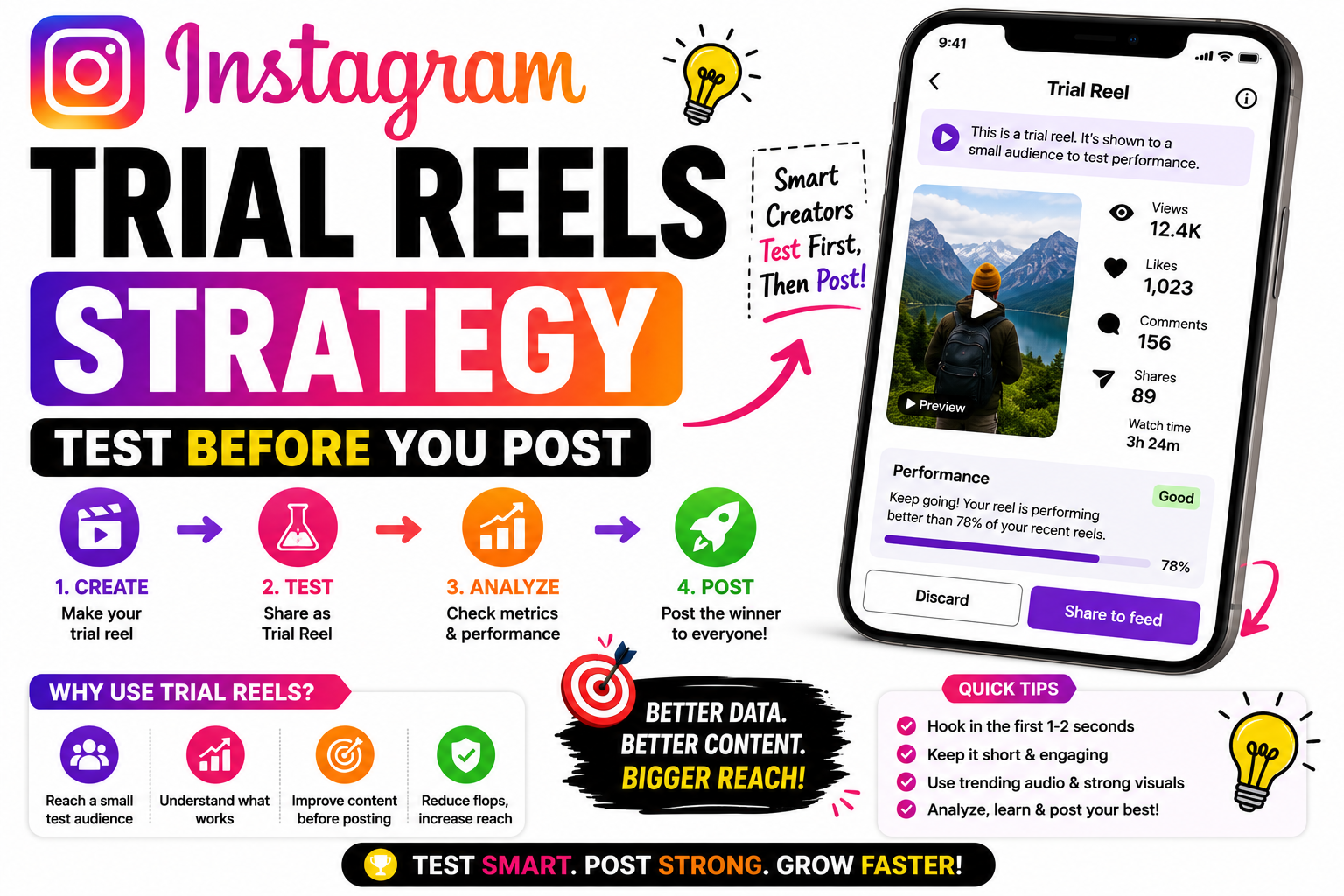
Learn how to use Instagram Trial Reels to test your content before publishing it to everyone. Discover the best Trial Reels strategy, improve engagement, optimize for the Instagram algorithm, and increase your chances of creating viral Reels in 2026.
Instagram Trial Reels Strategy: Test Before You Post
You spend time making a reel, you think it’s good — but then you hesitate over the share button. What if it flops in front of your followers? What if it’s too different from your usual content? Trial Reels were built for exactly that fear. They let you test a reel with strangers first, see how it actually performs, and only then decide if your real audience should see it.
Most people treat Trial Reels as just a safety net. Used strategically, they’re much more — the closest thing Instagram has to built-in A/B testing. Here’s how they work and how to use them to actually grow.
What are Trial Reels?
A Trial Reel is a reel shown only to non-followers first. It doesn’t appear on your profile grid, in your followers’ feeds, or on your Reels tab during the trial. Instead, Instagram pushes it into the recommendation system — the same one behind Explore and the public Reels feed — and shows it to people who don’t follow you.
To use it, you just create a reel as usual and flip the “Trial” toggle before sharing. It’s available on professional (Creator or Business) accounts, and access expanded to accounts with 1,000+ followers. Only you can see that a reel is a trial.
How the 72-hour window works
When you publish a trial, Instagram distributes it in waves to non-followers and watches the signals — watch time, replays, shares, saves, comments, and the ratio of positive engagement to passive scrolls. Crucially, it compares your reel against similar content in your niche, not a flat number. Strong early reception widens distribution; weak reception slows it down.
The evaluation runs for a fixed 72-hour window that starts the moment you publish. After that, you get the performance data and you decide: share it to your followers with one tap, set it to auto-share if it performed well, or quietly archive it — with no harm to your profile or your regular engagement.
The mindset shift: Stop guessing what your audience wants. Test it on cold strangers first — then only graduate the proven winners to your followers.
The strategy: 6 ways to use Trial Reels well
Trial Reels shine when you try new hooks, formats, tones, or angles — things you’re unsure about. Don’t waste them re-uploading old feed reels. Use them to explore territory you’d normally be too nervous to post.
These viewers have never seen you before, so your first few seconds have to earn attention with zero context. A strong, self-explanatory hook matters even more here than in normal reels.
Think like an A/B test. Change just one thing between trials — the hook, the topic, the format — so the data actually tells you what made the difference. Changing everything at once teaches you nothing.
Don’t just look at views. Watch time, shares, and saves are the real signals of a winner — and remember Instagram grades you against your niche, so compare each trial to your other trials to see what genuinely outperforms.
When a trial performs well, share it to your followers — you now have proof it works. Fold winning formats into your regular content plan, and let the flops quietly disappear without ever denting your profile.
Don’t treat trials as a one-off. Run them regularly, keep notes on what wins, and over time you build a data-backed playbook of hooks and formats that reliably work — instead of guessing every week.
Mistakes to avoid
The biggest one is running pointless tests — posting random reels as trials without a clear question you’re trying to answer. Another is judging a trial by views alone, when shares and saves tell you far more. And don’t forget: you can’t edit a trial after publishing — deleting and reposting resets the 72-hour clock, so get it right before you share.
Also keep a normal, consistent posting rhythm alongside your trials. Trials are for experiments — they don’t replace showing up regularly for the followers you already have.
Frequently asked questions
Professional (Creator or Business) accounts, with access expanded to accounts that have 1,000+ followers. The toggle appears on the final screen before posting a reel.
Not in their feed or Reels tab during the trial. A few may still see it via a DM share or same-audio pages, but it stays off your grid until you choose to share it.
No — that’s the point. A weak trial simply gets archived without touching your profile or regular engagement.
No. You’d have to delete and repost, which resets the 72-hour window — so finalise your reel before publishing.
Turn tested reach into real growth
When a winning trial brings new people to your profile, give them one clean link page with all your products and offers in one place — so fresh reach turns into followers and sales. Start free on Linqin.in.
