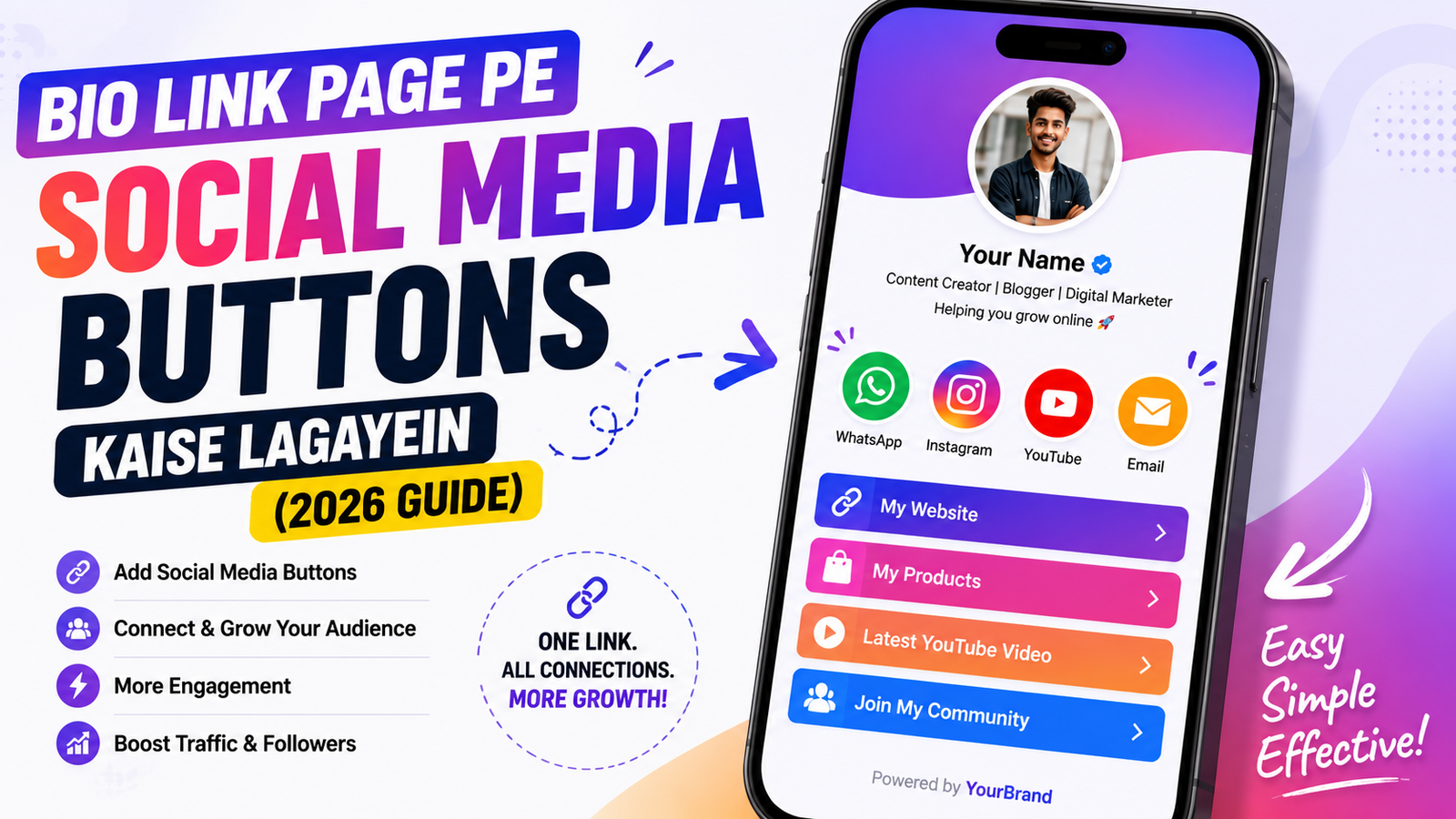
Bio link page pe WhatsApp, Instagram, YouTube ke direct buttons kaise lagayein. Ek click me chat khule — setup guide Hinglish me. 2026 complete tutorial.
Bio link page pe do tarah ki cheezein hoti hain: links (jo kisi page pe le jaate hain) aur social buttons (jo seedha aapse baat karne ka rasta dete hain).
Dono alag hain aur dono zaroori hain. Ye guide social buttons ke bare me hai — aur inka sabse bada fayda ye hai ki inse conversation shuru hoti hai, jo sale ka pehla step hai.Aaj ke time mein ek professional Bio Link Page creator, freelancer aur business ke liye bahut zaroori ho gaya hai. Agar aap Instagram, YouTube, Facebook ya LinkedIn use karte hain, to social media buttons add karke users ko ek hi page se sabhi profiles tak pahunchaya ja sakta hai. Sabse pehle apna Bio Link Page dashboard open karein aur Edit Profile ya Social Links section mein jaayein. Ab jis platform ko add karna hai (jaise Instagram, WhatsApp, YouTube, Facebook, LinkedIn ya X), uska icon select karein aur apni profile ka URL paste karein. Save karte hi colorful social media buttons aapke bio page par dikhne lagenge. Agar aap Linqin.in use karte hain, to aap sirf social media buttons hi nahi, balki WhatsApp Chat Button, Email Button, Call Button aur Custom Links bhi add kar sakte hain. Isse visitors aasani se aapse connect kar paate hain aur engagement bhi badhta hai. Professional look ke liye matching icons, clear button names aur updated profile links ka use karein. Buttons ko priority ke hisaab se arrange karein, jaise sabse upar WhatsApp ya Instagram aur uske baad YouTube, Facebook aur LinkedIn. Ek clean aur organized Bio Link Page na sirf aapki online presence ko improve karta hai, balki followers ko customers mein convert karne mein bhi madad karta hai. Isliye 2026 mein social media buttons add karna har creator aur business ke liye ek smart strategy hai.
Social CTA Kya Hai
Ye aapke profile ke upar wale hisse me chhote round icons hote hain — WhatsApp, Instagram, YouTube, Email, Phone. Koi bhi icon dabao aur seedha wo app khul jaati hai.
Farak samjho: link pe click karne se browser me naya page khulta hai. Social button pe click karne se WhatsApp app khul jaati hai aapka chat window ready ke saath. Bahut kam friction.
Kaunse Buttons Lagane Chahiye
Sabko sab nahi chahiye. Ye decide karo apne business ke hisaab se:
Agar aap service dete ho (coach, consultant, freelancer)
- WhatsApp — sabse zaroori. India me 90% business inquiry WhatsApp se hoti hai.
- Phone — jo log type nahi karna chahte
- Email — professional clients ke liye
Agar aap content creator ho
- Instagram — main profile pe wapas bhejne ke liye
- YouTube — long form content
- WhatsApp — collaboration inquiries
Agar aap product bechte ho
- WhatsApp — order aur query ke liye
- Instagram — reviews aur social proof dekhne ke liye
3 se 5 buttons rakho. 8 buttons lagaoge toh log kisi pe click nahi karenge — choice zyada hone se decision paralysis hoti hai.
Setup — 2 Minute
Social CTAs section me jao, platform choose karo, aur value daalo:
- WhatsApp — sirf number daalo (jaise 919876543210). Poora link banane ki zaroorat nahi, system khud bana lega.
- Instagram — apna profile URL ya username
- Email — sirf email address. mailto: likhne ki zaroorat nahi.
- Phone — number, wo tap-to-call ban jaayega
WhatsApp Ka Ek Trick Jo Bahut Kam Log Jaante Hain
WhatsApp button me aap ek pre-filled message set kar sakte ho. Matlab jab koi button dabata hai, uske WhatsApp me pehle se message likha hua aata hai.
Ye kyun matter karta hai: bahut log button dabate hain, khaali chat dekhte hain, aur samajh nahi paate kya likhein — phir wapas chale jaate hain.
Achhe pre-filled messages:
- "Hi! Mujhe aapke diet plan ke bare me jaanna hai"
- "Hello, main jewellery order karna chahta/chahti hoon"
- "Hi, collaboration ke liye baat karni thi"
Isse do fayde hote hain — customer ka kaam aasan ho jaata hai, aur aapko turant pata chal jaata hai wo kis cheez ke liye aaya hai.
Clicks Track Karo
Har social button ke saath uske clicks dikhte hain. Ye data use karo:
- Jo button 30 din me 0 clicks pe hai, hata do
- Jo sabse zyada click ho raha hai, uspe zyada dhyan do — agar WhatsApp top pe hai toh aapko WhatsApp pe response fast karna chahiye
Sabse Common Galtiyan
1. Personal number daal dena
Shuru me theek hai, lekin jab volume badhega toh personal aur business mix ho jayega. Ho sake toh ek alag business number rakho.
2. Reply na karna
Ye sabse buri hai. Button lagaya, log message bhej rahe hain, aur aap 3 din baad reply kar rahe ho. India me expectation hai same day reply. Nahi kar sakte toh WhatsApp Business ka auto-reply set karo.
3. Sab platform daal dena
Snapchat, Pinterest, Discord, Telegram — sab. Agar aap Snapchat pe active nahi ho toh us button ka koi matlab nahi. Sirf wahi daalo jahan aap actually reply karte ho.
Social Buttons vs Regular Links — Kaunsa Kab
Simple rule:
- Social button — jab aap chahte ho koi aapse baat kare
- Regular link — jab aap chahte ho koi kuch dekhe ya kharide
Dono use karo. Social buttons upar, links neeche — yahi natural flow hai.
Bottom Line
Social buttons chhota feature lagta hai par ye aapke aur customer ke beech ka sabse chhota rasta hai. 3-4 sahi buttons, WhatsApp pe pre-filled message, aur fast reply — bas itna karo.
Free account banao aur apne social buttons 2 minute me set kar lo.
