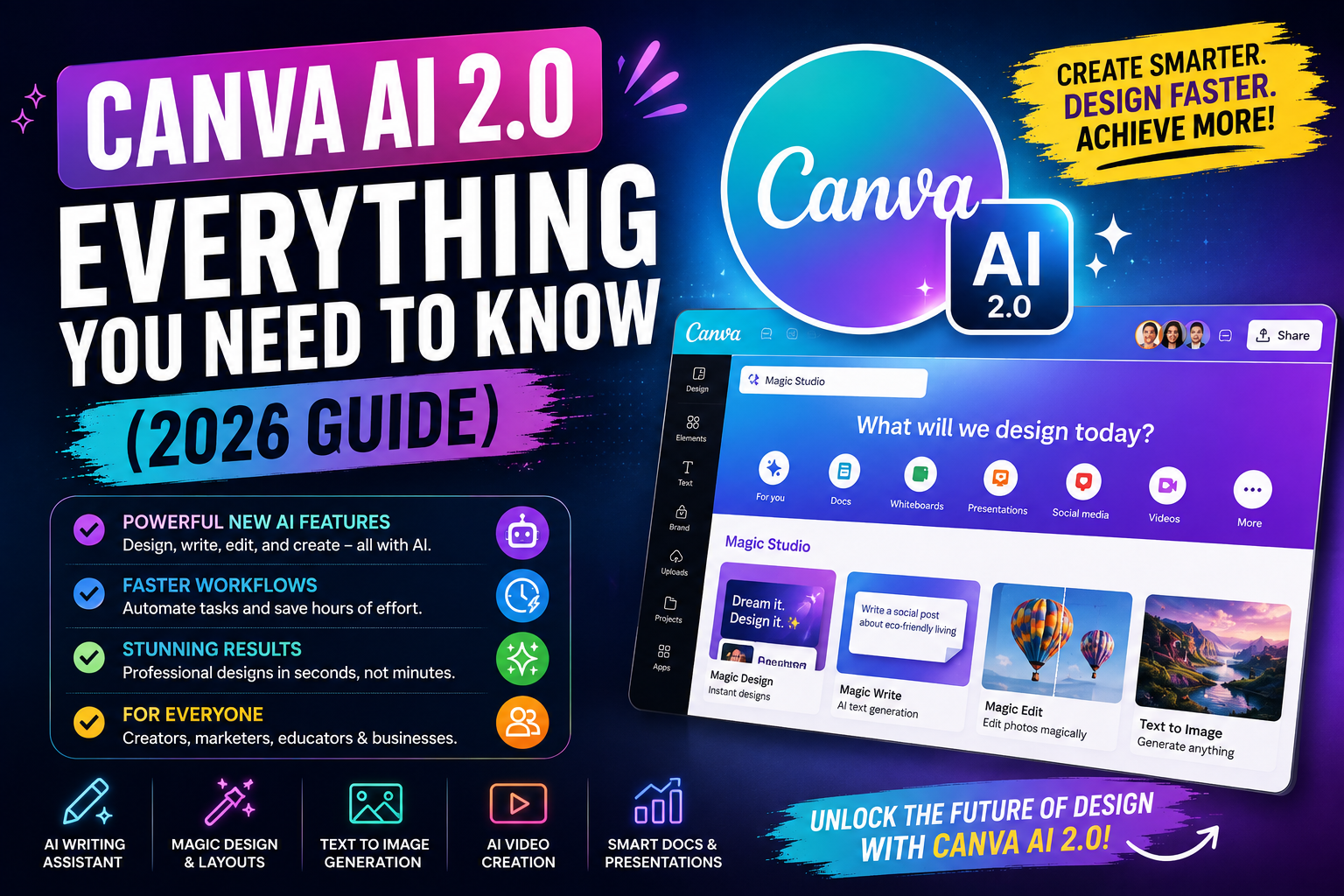
Discover Canva AI 2.0 in this 2026 guide. Learn about its AI design features, content creation tools, automation, benefits, and how creators and businesses can use Canva AI.

Canva AI 2.0: Everything You Need to Know (2026 Guide)
Canva just made its biggest change yet. At Canva Create 2026 in Los Angeles on 16 April 2026, the company unveiled Canva AI 2.0 — a major upgrade that shifts Canva from “a design tool with some AI features” to, in its own words, an AI platform with design tools built in. Instead of hunting for templates and editing by hand, you can now describe what you want and let Canva build and refine it with you. Here’s a clear, honest rundown of what Canva AI 2.0 actually is, what’s new, and what it means for creators and small businesses.
What is Canva AI 2.0?
Canva AI 2.0 is Canva’s new conversational, agentic AI platform. Rather than starting from a blank page or a template, you describe what you want — a presentation, a social post, a report — in plain text or by voice, and Canva creates a full, editable design in the editor. You then keep refining it simply by chatting: change elements, fonts, or the entire look through conversation. Canva describes the shift as moving from a design app that happens to have AI, to an AI creative partner that designs with you. It launched initially as a research preview, rolling out gradually to users rather than to everyone at once.
From template-hunting and manual editing to describing what you want and refining by chat
The new foundation: four core ideas
Underneath, Canva AI 2.0 is built on a new architecture with four key capabilities:
Conversational design: describe your idea in text or voice and get a full design — then keep adjusting it by chatting, no menus required.
Iterative agentic editing: the AI can take multi-step actions on your behalf — adjusting layouts, fonts, and colours — so it acts more like a collaborator than a one-shot generator.
Layered object intelligence: the AI understands the individual elements in your design, so it can edit specific parts precisely rather than treating a design as one flat image.
Living memory: Canva can remember your context and preferences across your work, so it gets more useful and consistent the more you use it.
Six new intelligent workflows
Alongside the new foundation, Canva AI 2.0 adds six workflows aimed at doing more of your work end to end:
Connectors: link Canva to other tools and data sources so your designs can pull from where your information already lives.
Scheduling: plan and schedule content directly, bringing more of the create-to-publish flow into one place.
Web research: Canva AI can search the web for up-to-date information on your topic, helping it build more detailed, accurate presentations and posts.
Brand intelligence: Canva can learn and apply your brand — colours, fonts, logos, templates — so your designs stay consistent automatically.
Sheets AI: AI-assisted spreadsheets that connect data and design, making numbers easier to turn into visuals.
Canva Code 2.0: an upgraded way to generate interactive and coded elements, extending Canva beyond static design.
One prompt, a whole campaign
The headline capability is what Canva calls agentic orchestration: turning a single prompt into an entire set of assets. Instead of designing a social post, then a story, then a banner one by one, you can describe a campaign and have Canva generate a coordinated set of designs, taking actions across the whole process — layout, copy, formatting — largely through conversation. For creators and small teams, that’s the real shift: less manual production, more directing. You describe the outcome and refine, rather than building every piece by hand.
What it means for creators and small businesses
For solo creators, coaches, and small businesses, the promise is speed and consistency. Producing a week of social content, a presentation, or a small campaign could take a fraction of the time, and brand intelligence helps everything stay on-brand without manual effort. The people who benefit most, interestingly, may not be the most artistic — they’re the organised ones who know what they want to say and can direct the AI clearly. If design has been a bottleneck between your ideas and publishing them, tools like this are designed to shrink that gap considerably.
How to access it and what it costs
Canva AI 2.0 launched as a research preview, rolling out progressively rather than to everyone instantly, so availability may depend on when you check. On the free plan, you get some AI features (like Magic Write and Background Remover) with limited monthly usage; full access to Canva AI 2.0, its memory features, and connectors generally requires a paid plan. Because it’s new and evolving, the exact features, limits, and pricing may change — so check Canva’s own site for the current details before relying on any specific capability.
Worth keeping in mind: powerful as it is, AI-generated design still needs your judgment. It can produce a polished draft fast, but your taste, brand voice, and originality are what make it stand out — and as a research preview, expect it to keep changing. Treat it as a brilliant assistant that speeds up your work, not a replacement for your creative direction.
The bigger picture: the 2026 AI design race
Canva AI 2.0 didn’t arrive in a vacuum. Around the same time, rival Adobe was rolling out its own conversational AI for Creative Cloud, and the whole design-tool industry is clearly moving in one direction: from menus and manual editing toward describing what you want and letting AI do the heavy lifting. Canva’s scale gives it real momentum here — it now has hundreds of millions of monthly users and has grown into one of the most-used AI platforms in the world, with AI usage reportedly tripling over the past year. For everyday creators, the practical takeaway is that conversational, agentic design is quickly becoming the norm, not a novelty. Learning to work well with these tools — to direct them clearly — is becoming a genuinely useful skill, whichever platform you prefer.
How to make the most of it
To get real value rather than generic results, a few habits help. Be specific in your prompts — describe your audience, goal, tone, and style, not just “make a post” — because clear direction produces far better designs. Set up your brand so the AI keeps everything consistent with your colours, fonts, and look. Use it to get to a strong first draft fast, then apply your own eye to refine — the speed is the gift, but the final polish and voice should be yours. Lean on it most for the repetitive, high-volume work like resizing a design into many formats or spinning up campaign variations, where the time saved is huge. And always review before publishing — check facts (especially anything from web research), spelling, and that the result truly sounds like you. Directed well, it becomes a genuine force-multiplier for a solo creator or small team.
Design in Canva, sell with Linqin
Tools like Canva AI 2.0 make creating content faster than ever — but great content still needs somewhere to convert into an audience and income. That’s the natural pairing: use Canva to design your posts, guides, and covers, and use Linqin as the one page behind your Instagram bio to actually sell and share what you create — your products, links, and offers, with payments via your own Razorpay in UPI/INR and lead capture so you own your audience. Faster creation is only worth it if it turns into results; Canva helps you make the content, Linqin helps you make it count.
Frequently asked questions
It’s Canva’s new conversational, agentic AI platform, launched in April 2026, that lets you create and refine full designs by describing what you want in text or voice, rather than manually using templates.
A conversational, agentic approach — describe a design or whole campaign and the AI builds and edits it — plus new capabilities like web research, brand intelligence, connectors, scheduling, Sheets AI, and Canva Code 2.0.
Some AI features are on the free plan with limited monthly usage, but full access to Canva AI 2.0 and its memory and connector features generally needs a paid plan. Check Canva for current details.
Use it as a fast, capable assistant, but keep your own judgment, brand voice, and originality in charge. And since it’s a research preview, expect features to keep evolving.
Made something in Canva? Sell it with Linqin
Turn your Canva-made content into income: one page for your bio link to sell products, share links, take UPI/INR via your own Razorpay, and capture your audience. Start free on Linqin.in.
