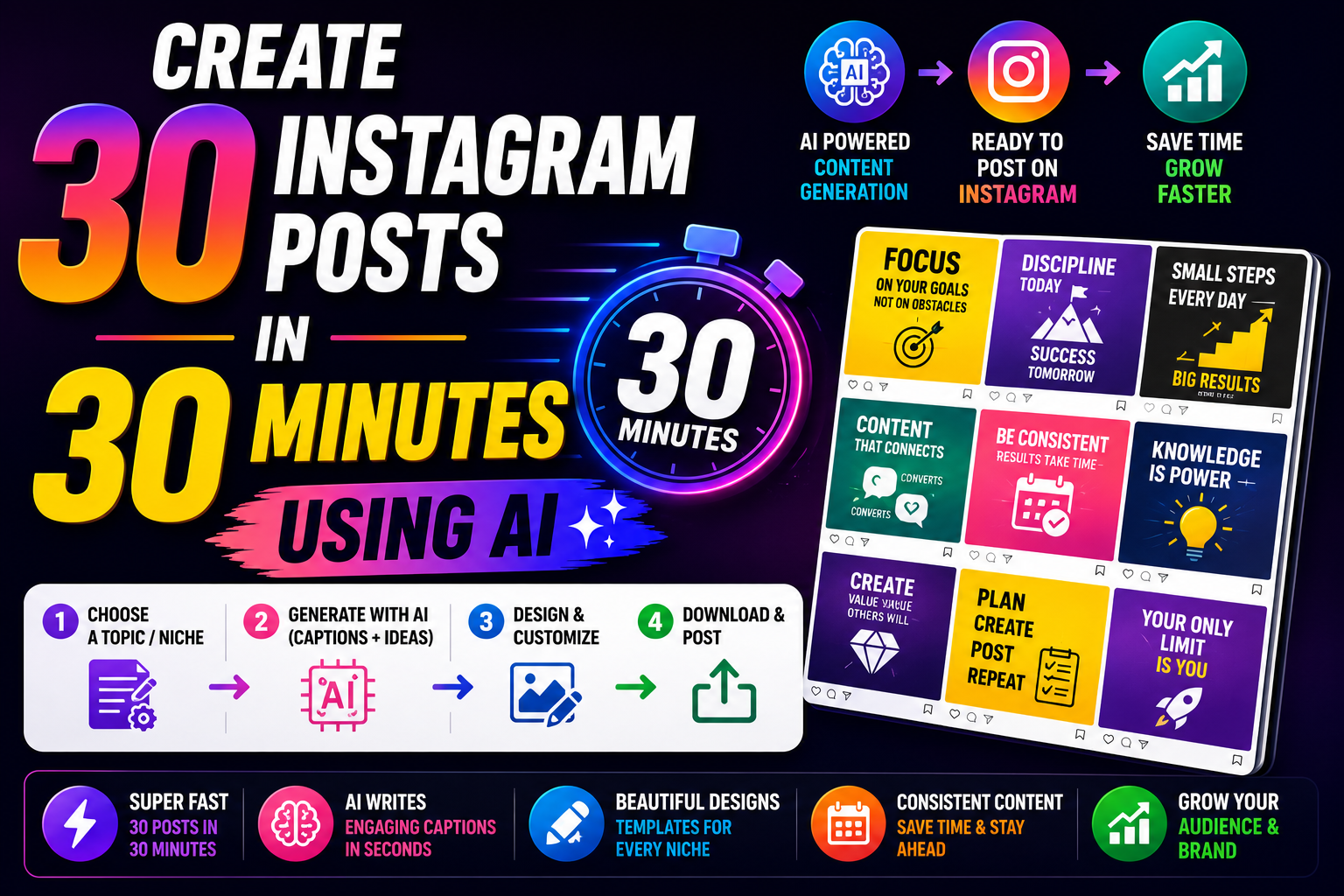
Learn how to create 30 Instagram posts in just 30 minutes using AI. Discover the best AI tools, content workflow, Instagram growth tips, and how Linqin helps turn your content into leads and sales with one professional Link-in-Bio page.
Create 30 Instagram Posts in 30 Minutes Using AI
Imagine planning an entire month's Instagram content in just 30 minutes. With today's AI tools, creators, businesses, freelancers, and influencers can dramatically reduce the time spent brainstorming, writing captions, and creating content ideas.
Many creators struggle because they spend hours deciding "What should I post today?" instead of focusing on growing their audience or serving their customers.
AI doesn't replace creativity—it helps eliminate repetitive work so you can spend more time creating valuable content and engaging with your audience.
🚀 Why AI is a Game Changer
AI can quickly generate content ideas, captions, hashtags, carousel outlines, Reel scripts, content calendars, and repurposed variations. You remain responsible for reviewing, editing, and adding your unique voice before publishing.
Step 1: Choose Your Content Pillars
Instead of creating random posts, organize your content into 4–5 recurring themes. This keeps your profile consistent and makes planning much easier.
✔ Educational Tips
✔ Behind the Scenes
✔ Customer Success Stories
✔ Product or Service Highlights
✔ Frequently Asked Questions
✔ Industry News
✔ Personal Experiences
Step 2: Ask AI for 30 Content Ideas
Once you've identified your content pillars, ask your preferred AI assistant to generate a month's worth of post ideas tailored to your niche and audience.
"Generate 30 Instagram post ideas for a digital marketing creator targeting small business owners in India. Include educational posts, carousel ideas, Reel concepts, FAQs, and engagement posts."
Review the suggestions, remove duplicates, and prioritize the topics that best match your audience's needs.
Step 3: Generate Captions in Minutes
After finalizing your topics, use AI to draft captions for each post. Keep in mind that AI-generated captions are starting points—they work best when personalized with your own experience, examples, or brand voice.
| Ask AI to Generate | Purpose |
|---|---|
| Instagram Caption | Explain the topic and engage readers. |
| Carousel Outline | Create structured multi-slide posts. |
| Reel Script | Plan short-form videos. |
| Call-to-Action | Encourage comments, saves, or link clicks. |
Step 4: Publish Everything Through One Smart Link
Every Instagram post should guide your audience toward a meaningful next step. Instead of updating your bio link repeatedly, use a Link-in-Bio page where followers can easily access your products, services, portfolio, or contact options.
💡 Smart Creator Workflow
Instagram Post → Bio Link → Linqin Page → Product, Service, WhatsApp, Portfolio or Payment Page
This simple journey helps reduce friction and makes it easier for interested followers to take action.
Best AI Tools for Instagram Content Creation
Different AI tools can help with different stages of content creation. Instead of relying on a single platform, many creators combine multiple tools depending on their workflow.
| AI Tool | Best For |
|---|---|
| ChatGPT | Content ideas, captions, scripts, content calendars |
| Canva AI | Instagram post and carousel designs |
| Adobe Express AI | Social graphics and templates |
| CapCut AI | Reel editing and captions |
| Linqin | Link-in-Bio, product showcase, lead collection and creator landing page |
30-Minute Content Creation Workflow
A structured workflow helps you stay productive while ensuring your content remains organized and consistent.
| Time | Task |
|---|---|
| 5 Minutes | Generate 30 content ideas with AI |
| 10 Minutes | Create captions and CTAs |
| 10 Minutes | Design posts using templates |
| 5 Minutes | Schedule posts and update your Linqin page |
Common AI Content Mistakes
AI saves time, but publishing content without reviewing it can reduce quality and trust.
❌ Copying AI output word-for-word.
❌ Publishing inaccurate or outdated information.
❌ Using generic captions without your personality.
❌ Posting the same content repeatedly.
❌ Ignoring your audience's feedback.
❌ Forgetting to add a Call-to-Action.
❌ Not checking grammar or formatting.
❌ Overusing hashtags that aren't relevant.
30-Day AI Content Calendar
Instead of thinking about what to post every day, rotate different content formats throughout the month.
📅 Monday – Educational Carousel
🎥 Tuesday – Reel
💡 Wednesday – Quick Tip
❓ Thursday – FAQ
⭐ Friday – Customer Story
🎬 Saturday – Behind the Scenes
💬 Sunday – Poll, Quiz or Q&A
Repeat this weekly structure with different topics generated by AI to maintain consistency without repeating the same ideas.
Pro Tips for Better Engagement
🚀 Edit every AI-generated caption before posting.
🚀 Use your own experiences and stories.
🚀 Add strong hooks in the first sentence.
🚀 Ask one question in every caption.
🚀 Reply to comments quickly.
🚀 Analyze Insights every week.
🚀 Keep testing different content formats.
Frequently Asked Questions
AI can help generate ideas, drafts, captions, and outlines. However, reviewing and personalizing the content is important to ensure it reflects your brand, remains accurate, and connects with your audience.
Instagram doesn't reward content simply because it was created by AI. Engagement depends on originality, value, consistency, and how well your audience responds to your posts.
Instead of sending followers to multiple links, Linqin lets you showcase your products, services, social profiles, payment options, and contact information from one professional Link-in-Bio page, making it easier for visitors to take action.
🚀 Create Faster. Post Smarter. Grow Bigger.
Use AI to plan your Instagram content in minutes, then turn every post into real business opportunities with a professional Linqin Link-in-Bio page. Build your audience, generate leads, and grow your income—all from one smart platform.
Start Growing with Linqin →