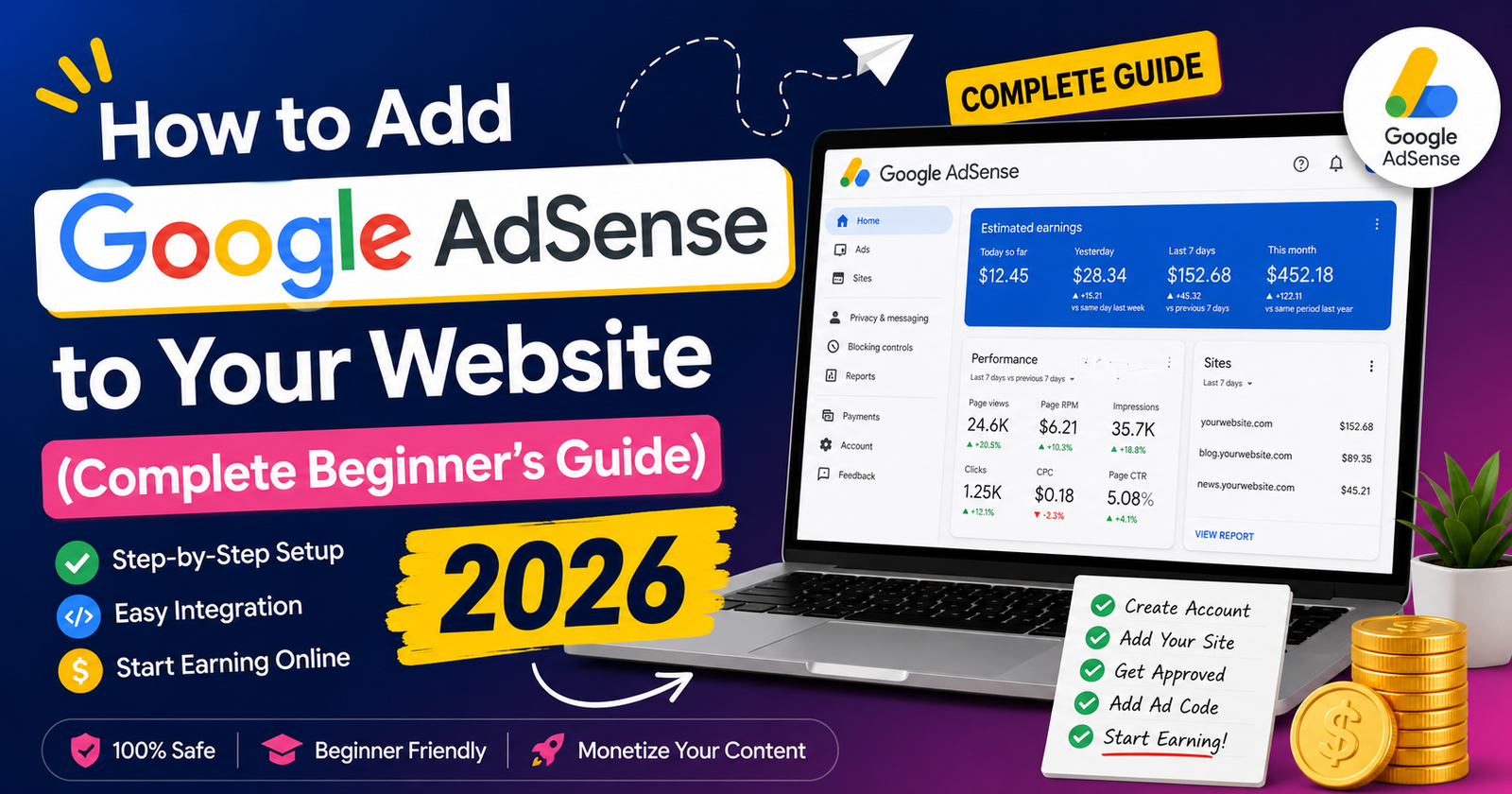
Complete Google AdSense guide for beginners. Learn approval tips, ad placement, optimization, earnings, and website monetization with Linqin.
How to Add Google AdSense to Your Website (Complete Beginner's Guide 2026)
Agar aapke paas blog, news website, business website ya content platform hai, to Google AdSense online income earn karne ka sabse popular aur trusted tarika hai. AdSense automatically aapki website par relevant ads dikhata hai aur jab visitors un ads ko dekhte ya interact karte hain, to aap revenue earn kar sakte hain.
Chahe aap WordPress use karte ho, PHP website chalate ho, Blogger, ya apna custom CMS, AdSense setup karna relatively simple hai. Lekin approval milne ke liye website quality, original content aur Google ki policies follow karna bahut important hai.
Is guide me hum step-by-step dekhenge ki Google AdSense account kaise banayein, approval kaise lein, ads website par kaise lagayein aur income kaise increase karein.
Get Approval
Ads on Website
Passive Income
What is Google AdSense?
Google AdSense ek advertising program hai jo website owners aur bloggers ko apni website monetize karne ka opportunity deta hai. Google automatically advertisers ke ads aapki website ke content aur visitors ke interests ke according show karta hai.
Aapko manually advertisers dhoondhne ki zarurat nahi hoti. Google ad serving, targeting aur payments handle karta hai.
Quality Content → Organic Traffic → AdSense Ads → Clicks & Impressions → Revenue
AdSense Approval Requirements
Approval lene se pehle ensure karein ki website Google ki policies follow karti ho.
✔ Original Content
✔ Mobile Friendly Website
✔ Fast Loading Pages
✔ SSL Certificate (HTTPS)
✔ About Us Page
✔ Contact Us Page
✔ Privacy Policy
✔ Terms & Conditions
✔ Easy Navigation
✔ No Copyright Content
✔ No Adult or Prohibited Content
✔ Sufficient Helpful Articles
Step 1 — Create a Google AdSense Account
Visit the Google AdSense website and sign in with your Google account.
After logging in:
✔ Enter Your Website URL
✔ Choose Your Country
✔ Select Payment Country
✔ Accept Terms & Conditions
✔ Submit Application
Step 2 — Add the AdSense Verification Code
Google approval process ke dauran aapko ek verification code diya jayega.
Us code ko website ke <head> section me paste karein.
Example:
<script async
src="https://pagead2.googlesyndication.com/pagead/js/adsbygoogle.js?client=YOUR-PUBLISHER-ID"
crossorigin="anonymous">
</script>
Code add karne ke baad Google website verify karega aur review process start ho jayega.
Step 3 — Wait for Review
Google manually aur automatically website review karta hai. Approval ka time kuch dino se lekar kuch hafton tak ho sakta hai.
Agar approval reject hota hai to Google generally reason provide karta hai jise improve karke dubara apply kiya ja sakta hai.
🚀 Step 4 — Enable Auto Ads
Approval milne ke baad Google AdSense Dashboard me login karein aur Ads → By Site section open karein.
Auto Ads enable karne ke baad Google automatically aapki website ke best locations par ads show karta hai. Beginners ke liye ye sabse easy option hai.
Auto Ads Benefits:
✔ Automatic Ad Placement
✔ Mobile Optimized Ads
✔ Better Revenue Optimization
✔ No Coding Required
✔ Google AI Automatically Tests Best Positions
📍 Best Ad Placement for Maximum Earnings
Sahi ad placement se CTR (Click Through Rate) aur overall earnings improve ho sakti hain. Lekin ads ko itna aggressive na banayein ki user experience kharab ho.
Recommended Locations:
✔ Header ke niche
✔ First Paragraph ke baad
✔ Article ke beech me
✔ Sidebar
✔ Article ke End me
✔ Footer Area
✔ In-feed Ads
✔ Multiplex Ads
Content aur ads ke beech proper spacing rakhein taaki website clean aur professional lage.
💰 AdSense Earnings Kaise Increase Karein?
AdSense me income sirf ads lagane se nahi badhti. High-quality content aur targeted traffic sabse important factors hain.
Revenue increase karne ke liye:
✔ High CPC Topics likhein
✔ Daily New Articles Publish Karein
✔ SEO + GEO Follow Karein
✔ Fast Website Maintain Karein
✔ Mobile Friendly Design
✔ Internal Linking Improve Karein
✔ Organic Traffic Grow Karein
✔ AI-Friendly Content Publish Karein
✔ Long-form Helpful Blogs Likhein
Quality content jitna better hoga, utne hi zyada visitors website par time spend karenge, jo long-term revenue growth me help karta hai.
Common Reasons Why AdSense Gets Rejected
❌ Thin Content
Bahut kam content wali websites ya copied articles approval me problem create karte hain. Kam se kam 20–30 original, high-quality articles publish karna achha practice hai.
❌ Missing Important Pages
About Us, Contact Us, Privacy Policy aur Terms & Conditions pages website ki credibility badhate hain. Inhe complete rakhein.
❌ Copyright Content
Copied images, videos ya articles Google policies ke against ho sakte hain. Hamesha original ya properly licensed content use karein.
❌ Poor User Experience
Broken links, slow loading pages, excessive popups aur confusing navigation approval aur user engagement dono ko negatively affect kar sakte hain.
AdSense + Linqin Growth Strategy
Agar aap sirf AdSense par depend karte hain, to aapki income traffic fluctuations se affect ho sakti hai. Isliye multiple income sources banana ek better long-term strategy hai.
Publish Helpful Blogs → Get Organic Traffic → Earn with AdSense → Promote Digital Products → Add Affiliate Products → Build Email List → Grow with Linqin
Linqin ki help se aap AdSense ke saath apne ebooks, courses, templates, affiliate products aur services bhi promote kar sakte hain. Is tarah aap multiple revenue streams build kar sakte hain.
Frequently Asked Questions
Google minimum traffic requirement specify nahi karta. Approval ka focus quality content aur policy compliance par hota hai. Lekin meaningful traffic aane se earnings naturally improve hoti hain.
Yes. Aap AdSense ke saath affiliate marketing bhi use kar sakte hain, jab tak website Google AdSense Program Policies aur affiliate program ki policies follow karti ho.
Regular publishing growth me help karti hai, lekin evergreen, high-quality content bhi long-term traffic la sakta hai. Existing articles ko update karna bhi ek effective strategy hai.
Monetize Your Website Smarter with Linqin 🚀
Don't rely only on AdSense. Combine advertising, affiliate marketing, digital products, online courses, and lead generation with Linqin to build multiple income streams from one powerful creator page.
Create Your Free Linqin Page →