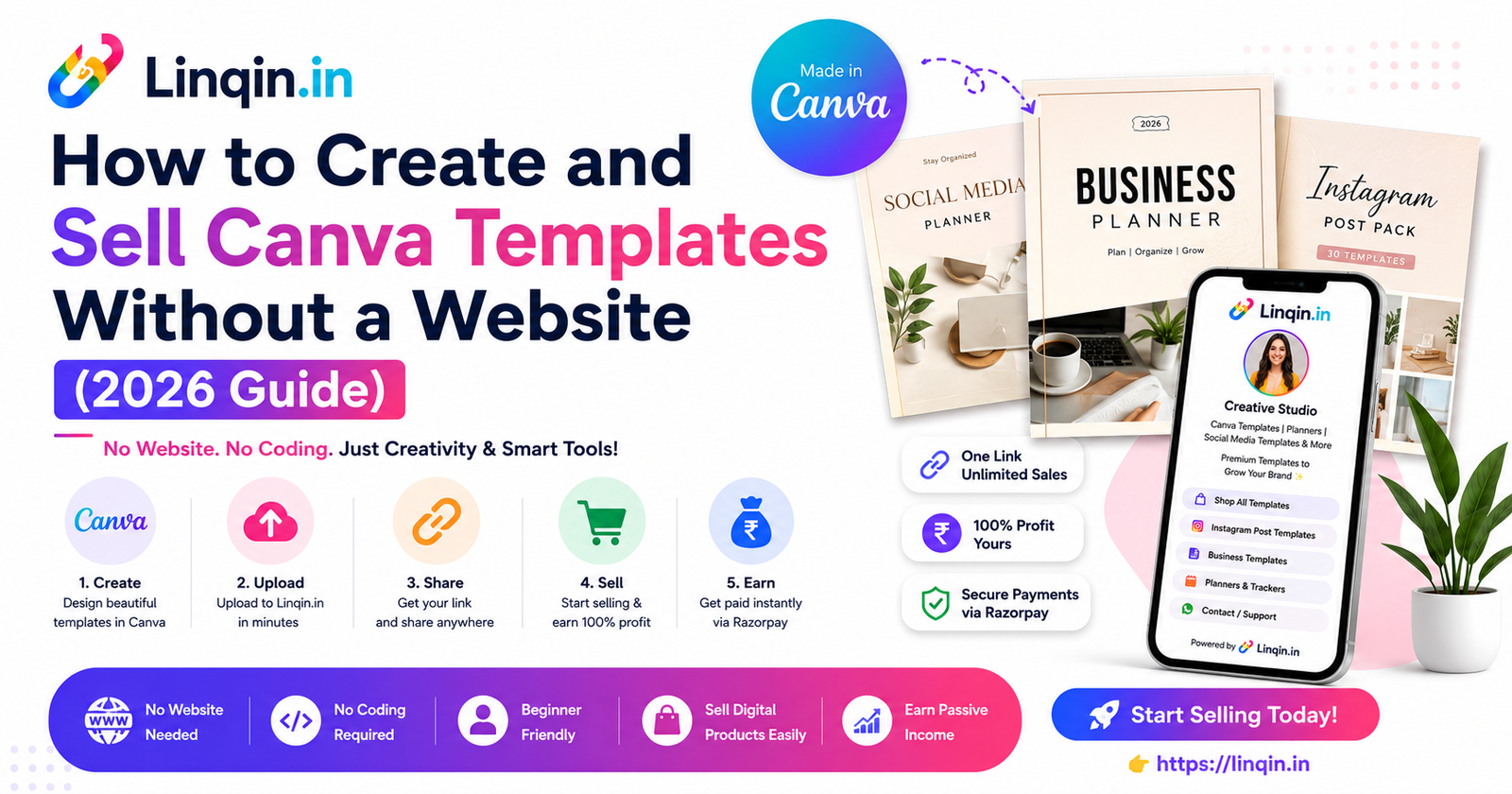
Start selling Canva templates without building a website. Create your template store with Linqin and grow your digital product business in 2026.
How to Create and Sell Canva Templates Without a Website
Selling Canva templates has become one of the easiest ways to start a digital product business. Whether you're a graphic designer, freelancer, student, teacher, social media manager, or content creator, you can create templates once and sell them repeatedly without managing inventory or shipping.
The good news is that you don't need a website to get started. With Linqin, you can showcase your Canva templates, organize your digital products, accept payments, and share everything through one professional creator page.
In this guide, you'll learn how to create Canva templates, package them professionally, market them effectively, and build a digital product business without building a traditional website.
Professional Templates
Digital Products
Without a Website
Why Canva Templates Are in High Demand
Businesses, creators, students, coaches, and marketers all need professional-looking designs but don't always have the time or skills to create them from scratch. Canva templates save time and help users maintain consistent branding.
Popular Canva template categories include:
✔ Instagram Post Templates
✔ Instagram Carousel Templates
✔ Reel Cover Templates
✔ Pinterest Pin Templates
✔ YouTube Thumbnail Templates
✔ Resume Templates
✔ Business Proposal Templates
✔ Planner Templates
✔ Ebook Templates
✔ Worksheets
✔ Media Kits
✔ Presentation Templates
Create Once → Upload to Linqin → Share Your Creator Page → Sell Unlimited Times
Benefits of Selling Without a Website
Launching a website requires purchasing a domain, setting up hosting, maintaining software, and handling technical updates. If you're just starting your digital product journey, these steps can slow you down.
Using a creator platform allows you to focus on creating and promoting your templates instead of spending time on website management.
Benefits include:
✔ Faster Launch
✔ No Website Maintenance
✔ One Shareable Link
✔ Professional Product Catalog
✔ Easy Product Organization
✔ Better Mobile Experience
Step-by-Step: Create & Sell Canva Templates
Step 1 — Choose a Profitable Niche
Pick a niche with consistent demand such as social media templates, resumes, planners, business documents, educational resources, or marketing assets.
Step 2 — Design High-Quality Templates
Keep layouts clean, editable, mobile-friendly, and easy to customize. Use consistent typography, spacing, and colors to create a professional experience.
Step 3 — Prepare Product Previews
Create attractive mockups and preview images that clearly show customers what they will receive after purchase.
Step 4 — Upload to Linqin
Create product listings with titles, descriptions, preview images, pricing, and download instructions. Organize similar templates into collections so buyers can browse your products easily.
Step 5 — Start Promoting
Share your Linqin creator page on Instagram, Pinterest, LinkedIn, YouTube, WhatsApp, Facebook, Threads, X, and your email newsletter to reach more potential customers.
🚀 Build Your Canva Template Store with Linqin
Creating Canva templates is just the beginning. To build a successful digital product business, customers need a simple and professional way to discover, browse, and purchase your templates.
Instead of sharing multiple Google Drive folders, payment links, or social media messages, Linqin lets you organize your entire Canva template collection on one beautiful creator page.
Your Linqin Store can include:
✔ Instagram Template Packs
✔ Pinterest Templates
✔ YouTube Thumbnail Packs
✔ Ebook Templates
✔ Resume Templates
✔ Planner Collections
✔ Business Documents
✔ Printable Worksheets
✔ Media Kits
✔ Premium Template Bundles
Customers can explore your complete collection from one shareable link, making it easier to find products that suit their needs.
🤖 Create Templates Faster with AI
AI can help speed up many parts of your digital product workflow. While Canva handles the visual design, AI can assist with planning, writing, and marketing so you can launch products more efficiently.
Use AI for:
✔ Product Titles
✔ Product Descriptions
✔ Sales Copy
✔ Blog Articles
✔ Social Media Captions
✔ Pinterest Pin Titles
✔ SEO Keywords
✔ Email Campaigns
✔ Marketing Ideas
Always review AI-generated content before publishing. Add your own creativity, experience, and branding to make every product unique.
📈 Marketing Your Canva Templates
Great templates don't sell themselves—you need consistent marketing. Focus on creating helpful content that shows people how your templates solve real problems.
Best marketing channels include:
✔ Instagram Reels
✔ Pinterest Pins
✔ YouTube Tutorials
✔ LinkedIn Posts
✔ Blog Articles
✔ Facebook Groups
✔ Email Newsletter
✔ WhatsApp Broadcast
Every piece of content should encourage visitors to explore your complete template collection through your Linqin creator page.
Pricing Strategy for Canva Templates
Pricing can influence how customers perceive your products. A thoughtful pricing strategy helps attract new buyers while increasing the value of your store.
✔ Offer affordable single templates for first-time buyers.
✔ Create bundle packs with better value.
✔ Launch seasonal collections.
✔ Add bonus templates to premium bundles.
✔ Update products regularly with fresh designs.
✔ Clearly explain what buyers will receive.
Well-presented bundles often provide more value to customers than selling every template individually.
Canva + Linqin Business Blueprint
A sustainable digital product business grows by consistently adding valuable products that solve real problems. Every new template increases the size and usefulness of your storefront.
Choose a Niche → Design Canva Templates → Upload to Linqin → Publish Content → Promote on Social Media → Build an Email List → Grow Your Template Library → Generate Recurring Sales
Over time, your collection becomes a valuable digital asset that can continue attracting new customers.
Common Mistakes to Avoid
❌ Creating Templates Without Research
Research your target audience before designing. Templates that solve a specific problem are more likely to attract buyers than generic designs.
❌ Poor Product Presentation
Use professional preview images, mockups, and clear descriptions. Buyers should understand exactly what is included before purchasing.
❌ Ignoring Canva Licensing
Before selling templates, review Canva's licensing and content usage rules. Make sure your products comply with Canva's terms and clearly explain how customers can use the templates.
Frequently Asked Questions
Yes. A creator storefront like Linqin allows you to showcase your templates, organize products, and share one professional link without building a traditional website.
Demand varies by audience, but social media templates, planners, resumes, presentations, ebooks, worksheets, and business templates are popular categories when they solve real customer needs.
Yes. You can organize multiple Canva template collections, digital downloads, ebooks, planners, and other digital products into one easy-to-browse creator storefront.
Launch Your Canva Template Business with Linqin 🚀
Create premium Canva templates, organize your digital products, accept payments, and grow your creator business from one professional Linqin page.
Start Selling with Linqin →