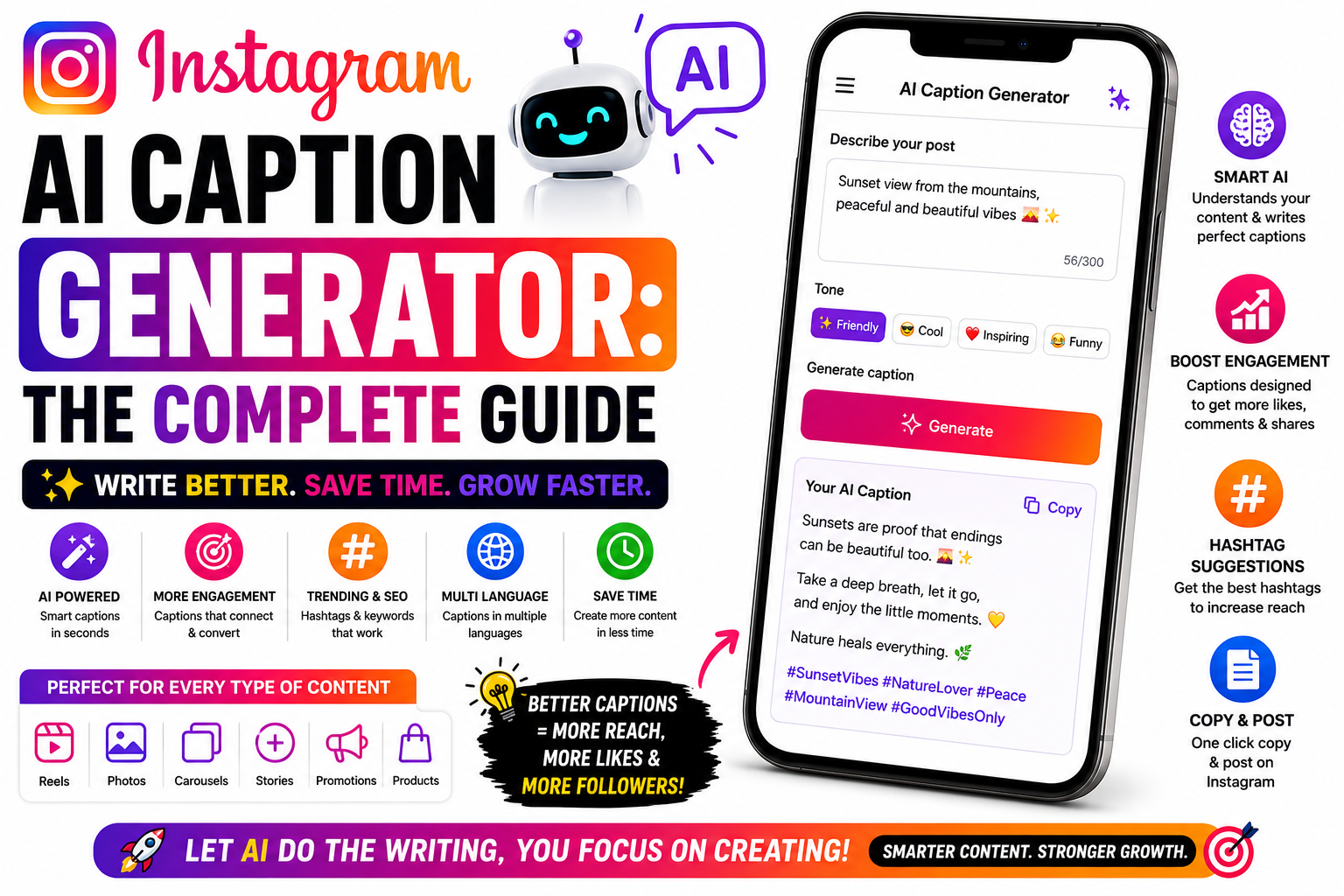
Discover how an Instagram AI Caption Generator can help you write engaging, SEO-friendly, and high-converting captions in seconds. Learn the best AI tools, caption strategies, and optimization tips to boost your reach and engagement in 2026.
Instagram AI Caption Generator: The Complete Guide
You’ve made a great reel — and then you sit staring at the blank caption box. Writing captions, over and over, is one of the most draining parts of being a creator. That’s where AI caption generators help. But here’s the catch: AI only writes good captions if you use it well. Feed it a lazy prompt and you get generic, robotic captions everyone can smell.
This guide shows you how to use AI to write captions that actually work in 2026 — with keywords, strong hooks, and clear calls-to-action — plus a reusable prompt you can copy.
What an AI caption generator actually does
An AI caption generator takes some context from you — what the post is about, your niche, your goal — and turns it into caption options in seconds. You can use a general AI assistant (like ChatGPT or Claude) or a dedicated caption tool. Either way, the AI is only as good as the direction you give it.
Think of it less like a magic button and more like a fast, tireless writing assistant. You steer; it drafts. Your job is to give clear input and then edit the output so it sounds like you.
The golden rule: Never post raw AI output. Generate, then pick the best and edit it in your own voice. AI is the first draft, not the final word.
How to get great captions from AI: 6 steps
Don’t just say “write a caption.” Tell the AI your niche, what the post shows, who your audience is, the goal (saves, shares, comments, sales), and the tone (fun, expert, warm). The more context, the better the output.
The first line of a caption is what stops the scroll. Ask the AI for a punchy opening — a question, a bold claim, or a relatable statement — not a slow warm-up. Request a few hook options to choose from.
Instagram is a search engine now. Tell the AI which keywords to include naturally, near the start — the real words people search in your niche. This helps your post surface in Instagram search, not just the feed.
Ask the AI to end with a specific CTA that drives a 2026 signal — “send this to a friend who needs it,” “save this for later,” or “comment your take.” Shares and saves are the strongest signals, so nudge for them.
Ask for 3–5 variations in different lengths or angles. Pick the strongest, cut anything that feels like filler, and keep it tight. AI tends to over-write — the best captions are usually shorter than the first draft.
This is the step most people skip — and it’s the most important. Add your personality, a real detail, your slang, an emoji you’d actually use. Your audience follows you, not a robot. Make it sound human.
A copy-paste prompt template
Paste this into any AI assistant and fill in the blanks — it bakes in everything above:
Audience: [who they are]. Goal: [saves / shares / comments / sales].
Tone: [fun / expert / warm]. Start with a strong scroll-stopping first line.
Naturally include these keywords near the start: [keyword 1, keyword 2].
End with a clear call-to-action that encourages [sending to a friend / saving].
Keep each caption tight, human, and easy to read. Give me a short and a longer version.”
Then follow up with “make option 2 sound more casual” or “shorten the hook” until it’s right — and finish by editing in your own voice.
Mistakes to avoid
The biggest mistake is posting raw AI captions — they read generic and your audience notices. Another is stuffing in keywords unnaturally, which looks like spam and hurts more than it helps. And don’t let every caption sound the same; vary your hooks and angles so your feed doesn’t feel like a template.
Finally, don’t outsource your entire voice. AI is brilliant for beating the blank page and speeding things up, but the personality, the real stories, and the genuine connection have to come from you.
Frequently asked questions
A general assistant like ChatGPT or Claude works great, and there are dedicated caption tools too. The technique matters more than the tool — good input beats a fancy app.
Not if you edit them well. Raw, generic captions can feel flat; thoughtful, human-edited ones with keywords and a CTA perform just fine.
It depends on the post, but the hook must be strong either way. Front-load the value; many great captions are short. Test both with your audience.
Yes — ask it for a few precise, on-topic hashtags. But remember hashtags matter less now than keywords in your caption.
Great captions deserve a great link
When your caption’s CTA sends people to your profile, give them one clean link page with all your products and offers in one place. Start free on Linqin.in.
