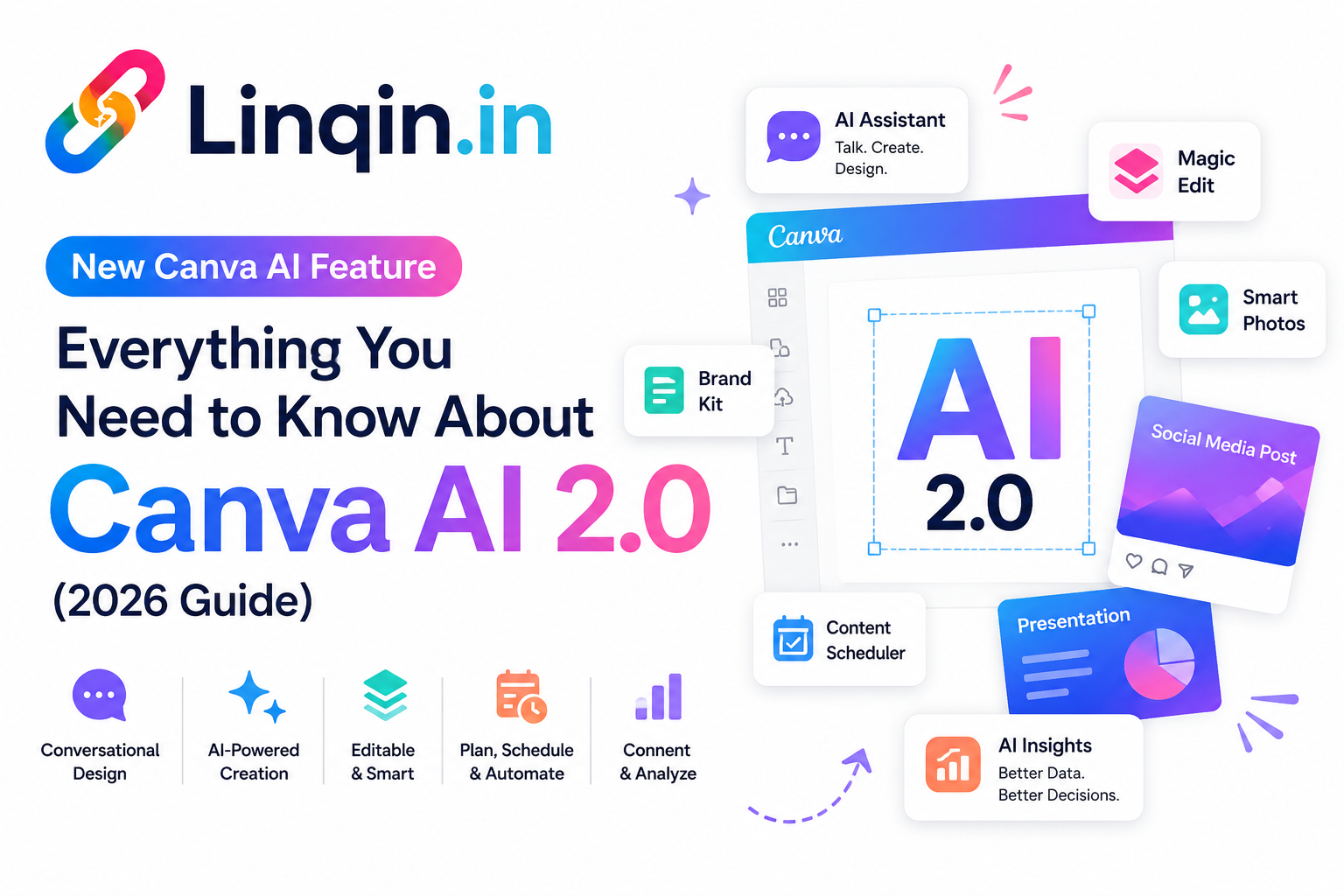
Discover Canva AI 2.0 and the latest AI-powered features for 2026, including conversational design, Canva Code, AI video generation, image-to-video, smart editing, and brand-aware content creation for creators, marketers, and businesses.
Canva has always been one of those tools where you can open a blank page and somehow end up with a decent-looking design. But the latest Canva AI update is trying to change the starting point completely.
Instead of searching through templates, changing dozens of elements and repeating the same work again and again, Canva AI 2.0 lets you start with an idea and work with AI through conversation.
Canva introduced AI 2.0 at Canva Create 2026 as a major evolution of its creative platform. The focus isn't simply on generating an image from a prompt. The bigger idea is to let AI understand a design, work with different tools and help take an idea towards a finished piece of content.
You describe what you want → Canva AI helps build it → you refine it → the individual elements remain editable.
What Is Canva AI 2.0?
Canva AI 2.0 is Canva's new conversational AI experience designed to work alongside you instead of acting like a simple one-time prompt generator.
You can explain an idea, ask for changes, refine the design and continue the conversation. Canva says the system is designed around conversational design, agentic orchestration, layered object intelligence and persistent memory.
That difference is important. Traditional AI generation often gives you an output and then you're on your own. Canva AI 2.0 is designed to stay involved during the creative process.
1. Conversational Design
This is probably the easiest feature to understand.
Instead of starting with a template, you can describe your goal in normal language. For example, you could ask Canva to create a social media campaign for a new digital product.
The idea is that you can then continue asking for changes instead of rebuilding the project from scratch.
"Create an Instagram launch post for my new ebook. Make it clean, modern and suitable for creators."
2. Layered & Editable Designs
One of the more interesting parts of Canva AI 2.0 is its focus on editable layers.
Instead of treating an AI-generated design as one flat image, Canva's system is designed to work with individual objects such as text, images and graphics.
That means you can make a specific change without necessarily rebuilding everything.
For creators, this can be useful when a design is almost right but the headline, image, colour or layout needs a little adjustment.
3. Memory Library: AI That Learns Your Style
Another major idea behind Canva AI 2.0 is memory.
Canva's Memory Library is designed to remember useful information about how you work and help keep future projects more consistent.
For a creator who publishes regularly, this could become especially useful. Instead of explaining your preferred style every single time, the system can use stored context to make future work more personalised.
Think of it as the difference between telling a designer your brand rules every morning and working with someone who already knows them.
4. Brand Intelligence
Consistency becomes more important as your content grows.
Canva AI 2.0 introduces Brand Intelligence to help apply brand fonts, colours and visual preferences when creating content.
For small businesses and personal brands, this could save a surprising amount of repetitive work. You can focus more on the message instead of manually checking whether every post looks like it belongs to the same brand.
5. Web Research Inside the Creative Workflow
Canva AI 2.0 also brings web research into the workflow.
Instead of researching information separately, the system can gather and structure information from the web and bring useful results into the creative process.
This could be helpful when preparing presentations, proposals, marketing content or research-based visual material.
Of course, important facts should still be checked before publishing. AI can speed up research, but it shouldn't replace your final judgement.
6. Connect Canva With Your Other Tools
Canva is also expanding beyond the design file itself.
Its new connector workflow is designed to work with services such as Google Drive, Gmail, Slack, Google Calendar, Notion, Zoom, HubSpot and other tools.
The bigger opportunity here is context. Instead of copying information from one platform into another, Canva AI can use connected information to help create useful visual outputs.
7. Scheduling: Create Now, Run Later
Another interesting addition is scheduling.
Canva AI can be used for tasks that are planned for later or repeated on a schedule. For creators managing regular content, this could make repetitive production work easier.
Imagine preparing a content workflow once and having certain tasks handled automatically while you're working on something else.
8. Canva Code 2.0
Canva AI 2.0 isn't limited to traditional graphics.
Canva Code 2.0 allows users to create interactive experiences from prompts. Canva also highlights HTML importing, responsive experiences and interactive elements as part of the new capabilities.
This is particularly interesting for creators who normally think of Canva as a poster-making tool. The platform is moving further into interactive content, websites and digital experiences.
What Can Creators Actually Do With Canva AI 2.0?
For creators, the biggest advantage isn't necessarily one magical AI button. It's the possibility of connecting several small tasks into one workflow.
- Create social media content from an initial idea.
- Adapt one campaign into multiple formats.
- Keep designs closer to your brand style.
- Research information while working on a project.
- Create presentations and marketing materials faster.
- Build interactive experiences without starting from traditional code.
- Reduce repetitive design and content tasks.
Is Canva AI 2.0 Worth Trying?
If you already use Canva regularly, it's definitely worth exploring. The biggest change is not simply that Canva can generate content. It is that AI is becoming part of the complete creative workflow.
However, access to individual AI 2.0 capabilities can depend on your Canva plan and rollout status. Canva's current guidance says some AI 2.0 capabilities are available to paid plans, while Free and Education users have access to selected AI features with limitations.
So don't judge the entire experience based on one feature you may or may not currently have access to.
Final Thoughts
Canva AI 2.0 feels less like a simple “AI image generator” and more like a creative assistant built into the design workflow.
The interesting part is the combination: conversation, editable layers, memory, brand intelligence, research, connected apps, scheduling and interactive creation.
For creators, this could mean spending less time moving information between tools and more time actually creating.
And that's probably the real story behind Canva AI 2.0: AI isn't just helping you make a design anymore. It's starting to help manage the journey from idea to finished work.
Creating Content With Canva? Don't Stop at the Design.
Share your content, digital products and important links from one creator page with Linqin.
Explore Linqin.in →