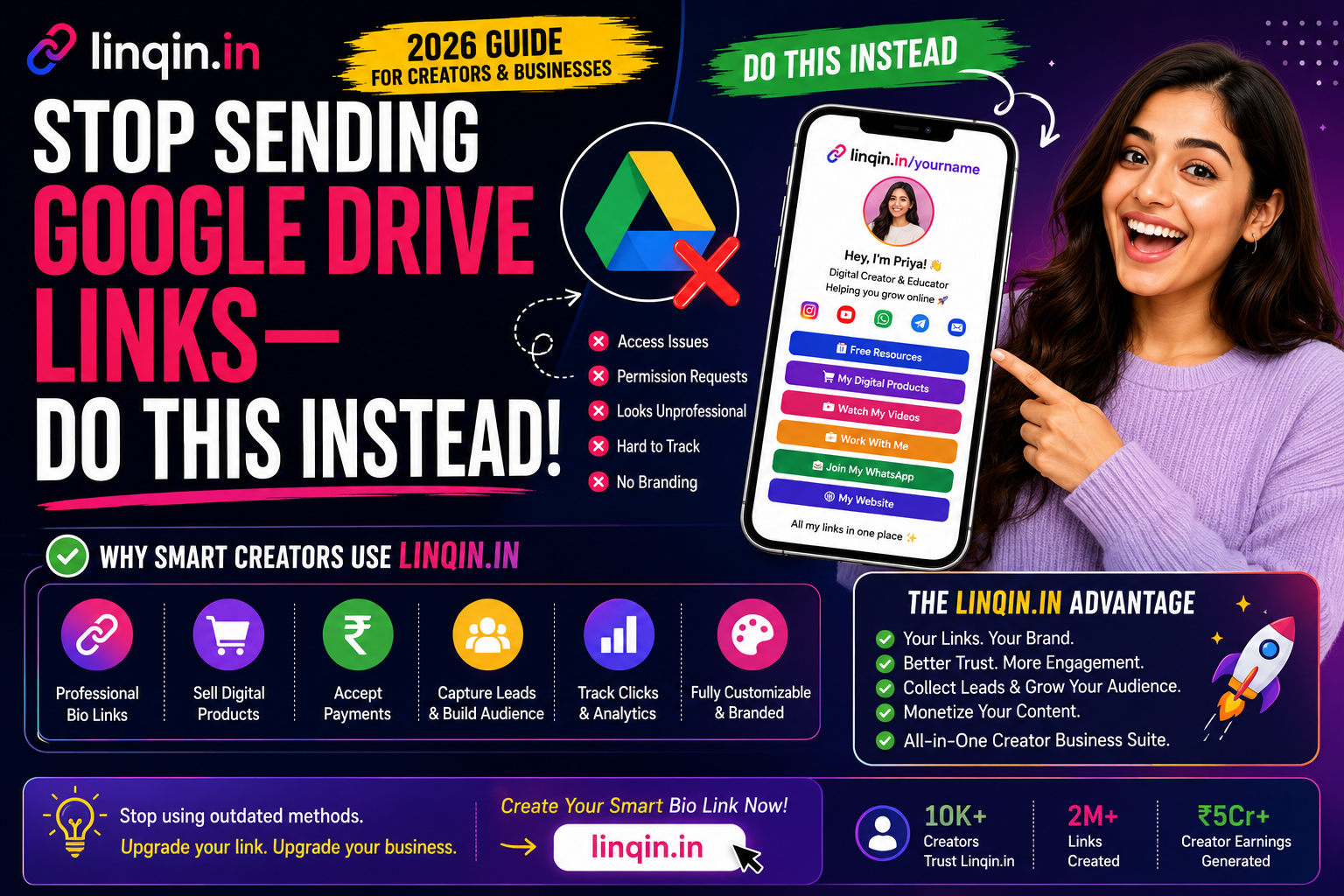
Still sharing Google Drive links with customers? Discover a more professional way to deliver digital products, showcase your content, and manage downloads using a branded bio page in 2026.
Stop Sending Google Drive Links — Do This Instead
You’ve done it. Someone asks for your portfolio, your price list, your resource pack — and you paste a long, messy Google Drive link into the chat. It works… sort of. But that raw link is quietly costing you trust, sales, and a professional impression every single time you send it.
Google Drive is brilliant for private collaboration. It’s a poor choice for sharing your work with clients, customers, or an audience. In this guide, we’ll break down exactly why — and show you the simple, professional alternative that makes you look sharper and even helps you earn.
Why raw Google Drive links quietly hurt you
A 60-character link full of random letters screams “amateur.” It gives no sense of your brand, no context, and no confidence. First impressions matter, and a raw Drive link makes a weak one.
We’ve all hit it. The recipient clicks, sees “You need permission,” and now there’s an awkward back-and-forth. Every permission hiccup is a moment where a client or customer might just give up and move on.
You can’t add your logo, your colours, or a proper layout. There’s no way to guide people, highlight your best work, or present a polished experience. It’s just… a folder.
Did they open it? Which file did they view? You have no idea. A raw Drive link tells you nothing, so you’re flying blind on what your audience actually cares about.
A Drive folder can’t take payments, collect emails, or point people to your other offers. Every share is a dead end — a chance to earn or grow that quietly slips away.
To be clear: Google Drive is great for private teamwork. The problem is using it as your public-facing way to share work, sell, or impress — that’s where it lets you down.
Do this instead: one branded link
Replace that messy folder link with a single, professional page — a link hub like Linqin.in. Instead of a raw URL, you send one clean, branded link that opens a proper page: your work neatly presented, clear sections, your logo and colours, and a way to guide people exactly where you want them to go.
You still keep your files wherever you like — the difference is the experience around them. Now your portfolio looks like a portfolio, your price list looks intentional, and your resource pack feels like a product, not a download dumped in a folder. Same content, dramatically better impression.
What you gain the moment you switch
The upgrade is immediate. You get a professional, branded look that builds instant trust. You get one link for everything — no more choosing which folder to send. You get real tracking, so you finally know what people click and care about. And crucially, you get the ability to sell and capture leads — add a buy button, collect emails, or point visitors to your other offers.
That last point is the game-changer. A Drive link is a dead end; a branded hub is a doorway. Every time you share it, you’re not just delivering a file — you’re presenting your brand and opening the door to a sale, a follow, or a booking.
Who this is for
Freelancers can turn a folder of samples into a polished portfolio that wins clients. Creators can share resource packs and freebies that also promote their products. Small businesses can send a branded catalogue or price list instead of a raw spreadsheet. And anyone selling digital products can present them properly and take payments — something a Drive link can never do.
If you regularly send links to clients, customers, or an audience, this switch pays off almost instantly. The people receiving your link will notice the difference, even if they can’t quite explain why you suddenly seem more professional.
How to switch in 5 minutes
Making the change is quick. Create a free Linqin.in page, then add the things you usually share — your portfolio pieces, downloads, price list, or product links. Give each one a clear label, add your logo and brand colours, and arrange them so the most important item sits at the top.
Now you have one clean link to send everywhere — in DMs, emails, your bio, and messages to clients. The next time someone asks for your work, you paste one professional link instead of a messy folder, and you look instantly more established. Set it up once, use it forever.
When a Drive link is still okay
To be fair, Google Drive still has its place. For internal team collaboration, editing documents together, or sharing large working files with people you trust, it’s excellent. The rule of thumb is simple: use Drive for private, collaborative work, and use a branded hub for anything public, professional, or meant to sell. Match the tool to the moment and you’ll always look sharp.
Frequently asked questions
Not at all. Keep using it for private collaboration. Just stop using raw Drive links as your public, client-facing way to share work.
Yes. You keep your files wherever you like and present them through a clean, branded page — you get the polish and control without moving everything.
Yes, you can start for free with Linqin.in and upgrade later if you need more. There’s no cost to look more professional.
Absolutely. A branded page feels intentional and safe, while a random Drive URL can feel sketchy or confusing — especially to new clients.
Send one professional link, not a messy folder
Turn your Drive-link habit into a branded page that looks sharp, tracks clicks, and can even take payments. Build your Linqin.in hub in five minutes.
